
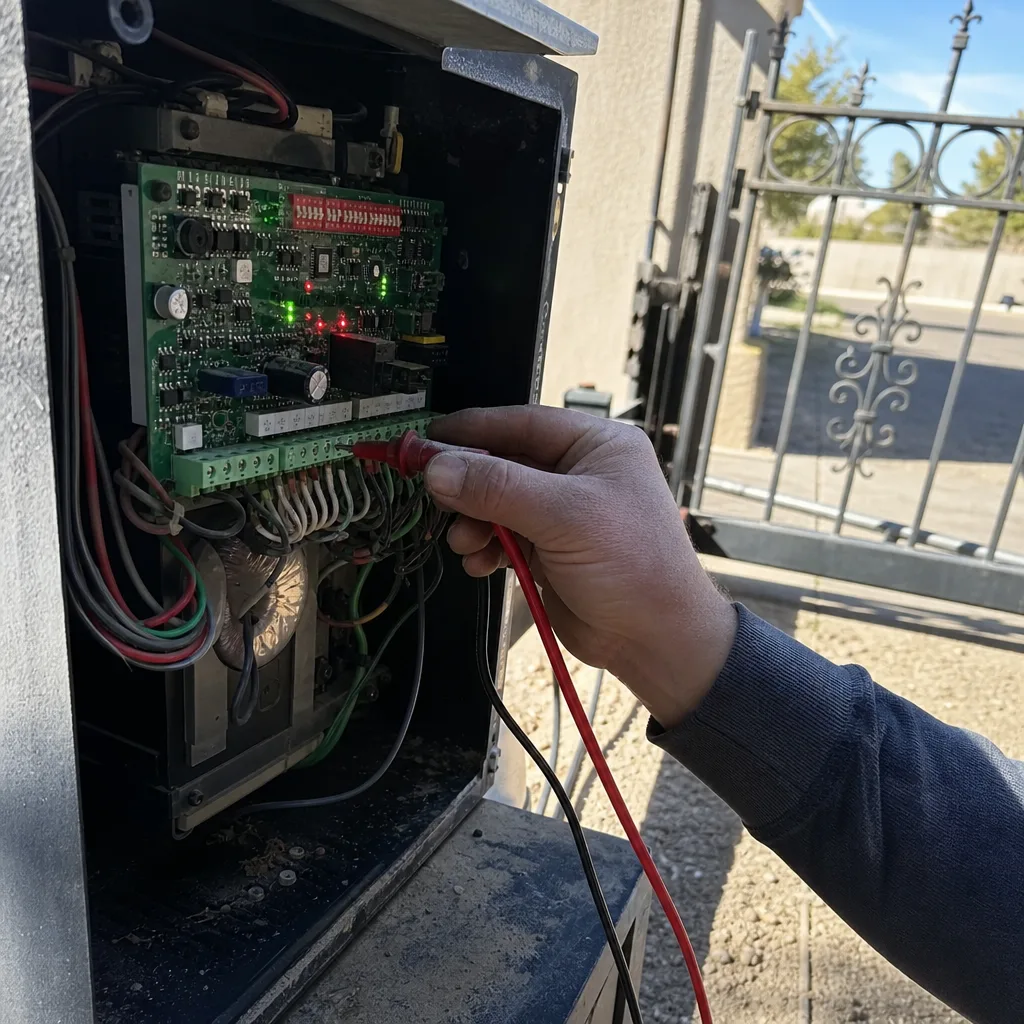
Last updated November 18, 2026
 Wrought iron
 Wood & steel frame
 Farm & ranch
 Sliding driveway gates
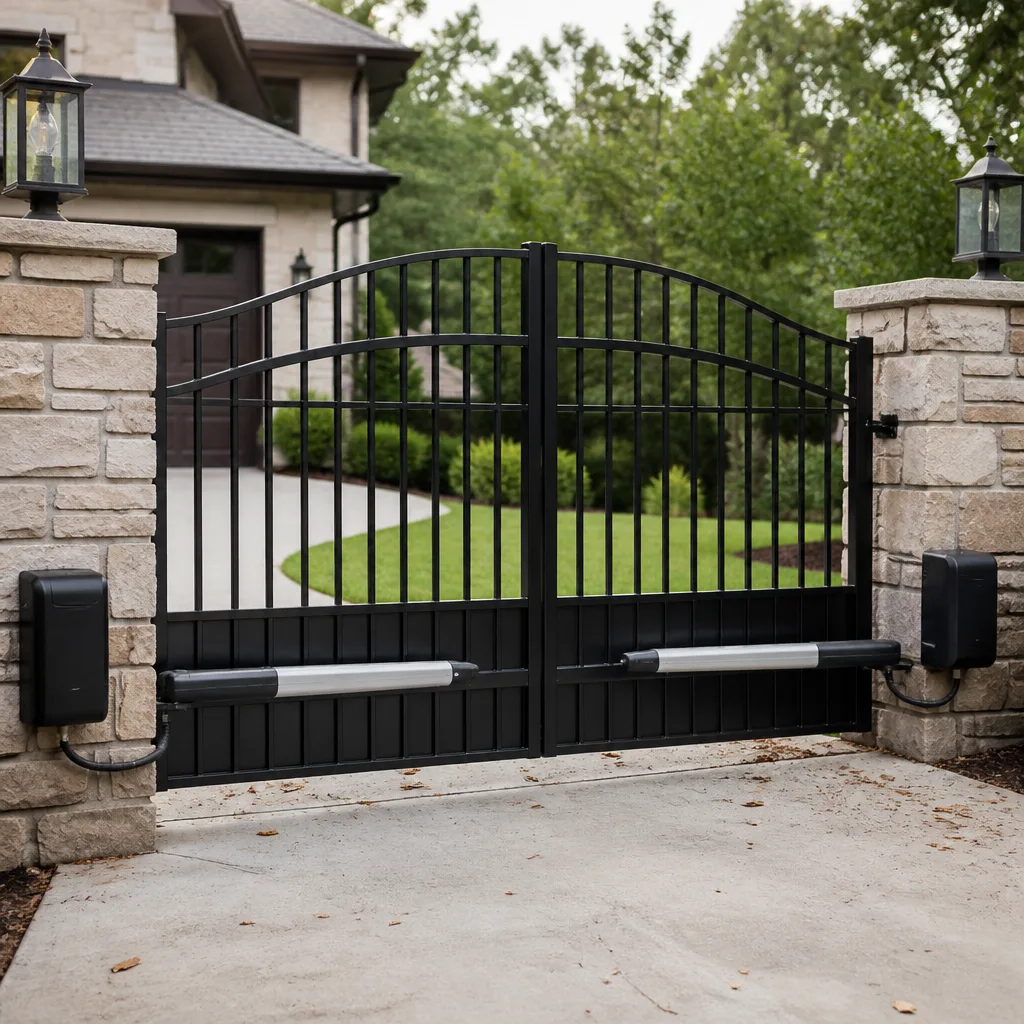 LiftMaster operators
Free on-site gate assessment - hinges, posts, and your LiftMaster or Nice gate operator checked before anything is quoted
The assessment is free and the quote is the invoice.
Get your free estimateGate Motor & Opener Troubleshooting: Common Problems and How to Fix Them
Most of the gate motor calls we go on here in Paradise are not dead motors. They’re a dirty photo eye, a bumped obstruction sensor, or a limit switch that drifted after a gate got pushed. We’ve driven out for “motor failures” that turned out to be a spider web strung across the sensor beam. True story, more than once. The four things that cause the bulk of gate opener grief are power, signal, mechanical resistance, and the motor itself, in that order. Three of those cost nothing to fix if you catch them early. This guide walks you through each layer before you assume the worst, so you can find the actual problem before you call anybody, including us.
We’re writing this from Paradise, where the summer heat bakes gate hardware and the spring winds pile grit into every track and hinge. That local wear pattern shapes what fails first around here, and it’s worth keeping in mind as you work down the list.
Quick Answer
A gate that reverses itself, stops mid-travel, or won’t move usually has a signal or safety-sensor problem, not a dead motor. Check power at the outlet and the control board first, then clean and realign the photo eyes, then test whether the gate rolls or swings freely by hand, and only then suspect the motor, capacitor, or control board. If the gate moves on its own with no command, stop and call a professional, because that points to a board fault that’s a genuine safety hazard.
Styles & brands we work with
- Wrought iron
- Wood & steel frame
- Farm & ranch
- Sliding driveway gates
- LiftMaster operators
Table of Contents
- The Troubleshooting Decision Tree: Power, Signal, Resistance, Motor
- The Photo-Eye Alignment Check You Can Do in Two Minutes
- Capacitor vs. Control Board: Two Failures That Sound Different
- Limit-Switch Drift: Why Your Gate Stops Short or Over-Travels
- Remote, Keypad, and Signal Problems That Feel Like Motor Problems
- How Paradise Heat and Grit Wear Out Gate Hardware
- The One Scenario Where You Stop Troubleshooting and Call
The Troubleshooting Decision Tree: Power, Signal, Resistance, Motor
Work in this order and you’ll find most problems fast. Skipping a layer is how people buy a board they didn’t need. We’ve seen it plenty around Paradise, where a homeowner replaces a control board only to learn the outlet behind the fence post had tripped a GFCI.
- Power. Confirm the outlet or breaker feeding the gate is live. Many automated gates run on a dedicated circuit, and a tripped GFCI or a flipped breaker kills the whole system while the remote still clicks and a beeper still chirps. Test the outlet directly with a lamp or tester.
- Signal. If you have power, check that the opener is actually receiving your command. Try a fresh battery in the remote, try the wall keypad, and try whatever manual release or wall button the unit has. If the keypad works but the remote doesn’t, it’s not the motor.
- Mechanical resistance. Put the opener in manual release and move the gate by hand. A swinging gate should glide; a sliding gate should roll with a light push. If it grinds, drags, or stops, the gate is fighting the motor. Fix the hinge, the roller, or the track before blaming the electronics.
- Motor and controls. Only after power, signal, and free movement check out do you suspect the motor, capacitor, or board. At that point the symptoms tell you which one, and the next sections break that down.
This order matters because it moves from cheapest to most expensive. If you’re in Paradise and already know the gate itself is sound, our Gate Motor & Opener in Paradise page covers the repair side in more detail.
The Photo-Eye Alignment Check You Can Do in Two Minutes
The photo eye is the safety sensor that tells the opener a person or car is in the way. When the beam is blocked or the two units fall out of alignment, the gate reverses or refuses to close. This is the single most common “my gate is broken” call we get, and most homeowners don’t know the sensor even exists.
You can check it without tools. Find the two small sensors mounted on either side of the gate opening, usually on posts or short brackets, facing each other across the driveway. One transmits an invisible beam to the other. Here’s the two-minute test:
- Wipe both lenses with a clean cloth. Dust, grit, and cobwebs block the beam, and in Paradise the wind delivers all three regularly.
- Look for a small indicator light on each sensor. On most units one glows steady when it’s receiving the beam and blinks or goes dark when it isn’t.
- If a light is out, check that neither sensor got bumped out of line. A nudge from a trash can or a kid’s bike is enough to break alignment.
- Pass your hand slowly across the beam. If the gate doesn’t respond, the sensor isn’t reading, and that’s your problem, not the motor.
If the beam is clear and both lights show steady, the photo eye is fine and you can move down the list. If one sensor is dead or the bracket is bent, that’s a small fix compared to a motor. This one check saves people the cost of a service call more often than anything else in this guide.
Capacitor vs. Control Board: Two Failures That Sound Different
These two failures sound completely different, and knowing which you’re hearing saves you real money because they have very different repair budgets. We listen before we open anything, because the sound alone usually points the way.
A failing capacitor hums but doesn’t move. You’ll hear the motor strain, buzz, or hum for a second or two and then give up, often tripping the opener’s overload protection. The motor wants to turn but can’t get the starting jolt it needs. On many swing and slide openers the start capacitor is the part that fails, and it’s a modest replacement compared to a board. Heat is rough on capacitors, and Paradise summers push gate electronics hard, so this failure shows up more in July and August.
A failing control board is often silent. No hum, no movement, nothing, or the gate behaves erratically with no pattern. The board is the brain that reads your remote, runs the sensors, and tells the motor what to do. When it fails you may get no response at all, or lights that flicker strangely, or a gate that reverses for no reason. A board is a bigger part and a bigger budget.
- Hum, then nothing: suspect the capacitor first.
- Complete silence, or random behavior: suspect the board or its power feed.
- Works on the wall button but not the remote: neither, it’s a signal issue.
We service Linear, Viking, and DoorKing units among others, and the sounds hold true across brands. If you’d rather not guess, our Gate Repair in Paradise page explains how we diagnose on site.
Limit-Switch Drift: Why Your Gate Stops Short or Over-Travels
Limit switches tell the opener where the gate should stop at each end of travel. When they drift, the gate suddenly stops short of closing or slams past its stop. This almost always happens after the gate itself gets physically moved: someone leans on it, a car taps it, a post settles, or the gate is manually pushed open during a power outage and not reset properly.
Here’s what’s happening. The opener counts its travel based on where the limits sit. Move the gate a few inches and the opener still thinks the old stop point is correct, so it either quits early or runs too far. On many units there’s a reset or relearn procedure, often printed inside the control box cover or in the manual, that walks the gate through a full open and close to reestablish its travel limits. Some have physical limit cams you adjust with a screwdriver. Others, especially newer models, relearn automatically when you cycle them with the remote after restoring power.
Before you touch anything, confirm the gate moves freely by hand as we covered earlier. A limit problem on a gate that also drags will just come back. Once the gate rolls or swings clean and the limits are reset, the opener should stop where it’s supposed to. If it keeps drifting after a reset, the limit switch itself may be worn, and that’s a part replacement. We see this a lot on older units in Paradise after a windy stretch knocks a gate off its stop.
Remote, Keypad, and Signal Problems That Feel Like Motor Problems
Plenty of “dead motor” calls are really signal problems. The opener never got the command, so it looks unresponsive when it’s working fine. Rule these out before you spend a dime.
- Batteries. A remote that clicks doesn’t guarantee it’s transmitting. Swap the battery first; it’s the cheapest test there is.
- Range and interference. Metal gates, new fencing, added stucco, or a metal storage building between you and the receiver can block the signal. Try the remote from a few feet closer to the opener.
- Keypad vs. remote. If the wall keypad or an entry code opens the gate but your remote doesn’t, the remote is the problem, not the opener.
- Multiple remotes. If none of them work but the wall button does, suspect the receiver or its antenna wire rather than the motor.
- Grouped access. On a shared or community gate, a neighbor’s remote working while yours doesn’t points to your remote, not the system.
An antenna wire that’s come loose or been chewed is a common culprit after a storm. Reconnect it and range often returns. Signal issues are quick to test and cheap to fix, which is why they sit near the top of the decision tree.
How Paradise Heat and Grit Wear Out Gate Hardware
Gate hardware in Paradise lives a harder life than in milder climates. The summer heat stresses capacitors, control boards, and motor windings, and the spring winds drive grit into hinges, rollers, and tracks. That combination changes what fails first around here.
In our experience, the wind is the bigger long-term problem. Grit packs into slide-gate tracks and swing-gate hinges, adding resistance that makes the opener work harder every cycle. A gate that drags a little in spring drags a lot by summer, and the motor pays for it. The heat then finishes off parts that were already straining. Limit switches drift when a gate gets knocked off its stop by a gust, and photo eyes cloud faster with dust in the air.
What this means for you: keep the track and hinges clean, and check free movement by hand a couple of times a year. A five-minute sweep with a broom and a quick look at your photo eyes goes a long way in this climate. If you’re adding a new opener rather than fixing an old one, our Gate Installation in Paradise page covers what to plan for, since heat and wind should shape the hardware you choose.
The One Scenario Where You Stop Troubleshooting and Call
If the gate moves on its own with no command from you, stop. A gate that opens, closes, or reverses by itself, especially at odd hours, points to a control board fault. That’s not an inconvenience you can live with. A gate that cycles unexpectedly can crush a hand, trap a pet, or hit a car, and no amount of remote battery swapping will fix a board that’s firing on its own.
The same goes for any gate that won’t reverse when something blocks it. The safety reverse is there for a reason, and if it’s failing, the gate isn’t safe to run. In those cases, leave the gate in manual release so it’s out of the automated cycle and keep people clear of it until a professional looks at the electronics. Board faults and safety-reverse failures are exactly the calls where a trained eye saves you from a much worse outcome.
We’d rather tell you honestly that this is beyond a homeowner fix than have you wrestle a board that’s misbehaving. The rest of this guide handles the safe, cheap checks. This is the line where you hand it off.
Common Mistakes to Avoid
- Replacing the board before checking power. A tripped GFCI or dead outlet looks exactly like a fried board. Test the power source first, every time.
- Blaming the motor for a blocked photo eye. A single cobweb or a bumped sensor causes more reversals than any motor. Clean and check the beam before anything else.
- Ignoring a dragging gate. In Paradise the wind packs grit into tracks and hinges, and a gate that fights the motor will wear it out. Fix the resistance, not just the symptom.
- Reset limits on a gate that still drags. If the gate doesn’t move freely by hand, relearning the limits won’t stick. Free the gate first.
- Forcing a gate that’s in manual release. Pushing a gate against a locked opener or a stuck limit can bend hardware and cost more than the original problem.
- Living with a self-moving gate. A gate that cycles on its own is a board fault and a safety risk. Don’t wait on it.
- Swapping parts instead of diagnosing. Guessing at a capacitor, a board, and a remote one after another adds up. Work the decision tree in order.
See the difference
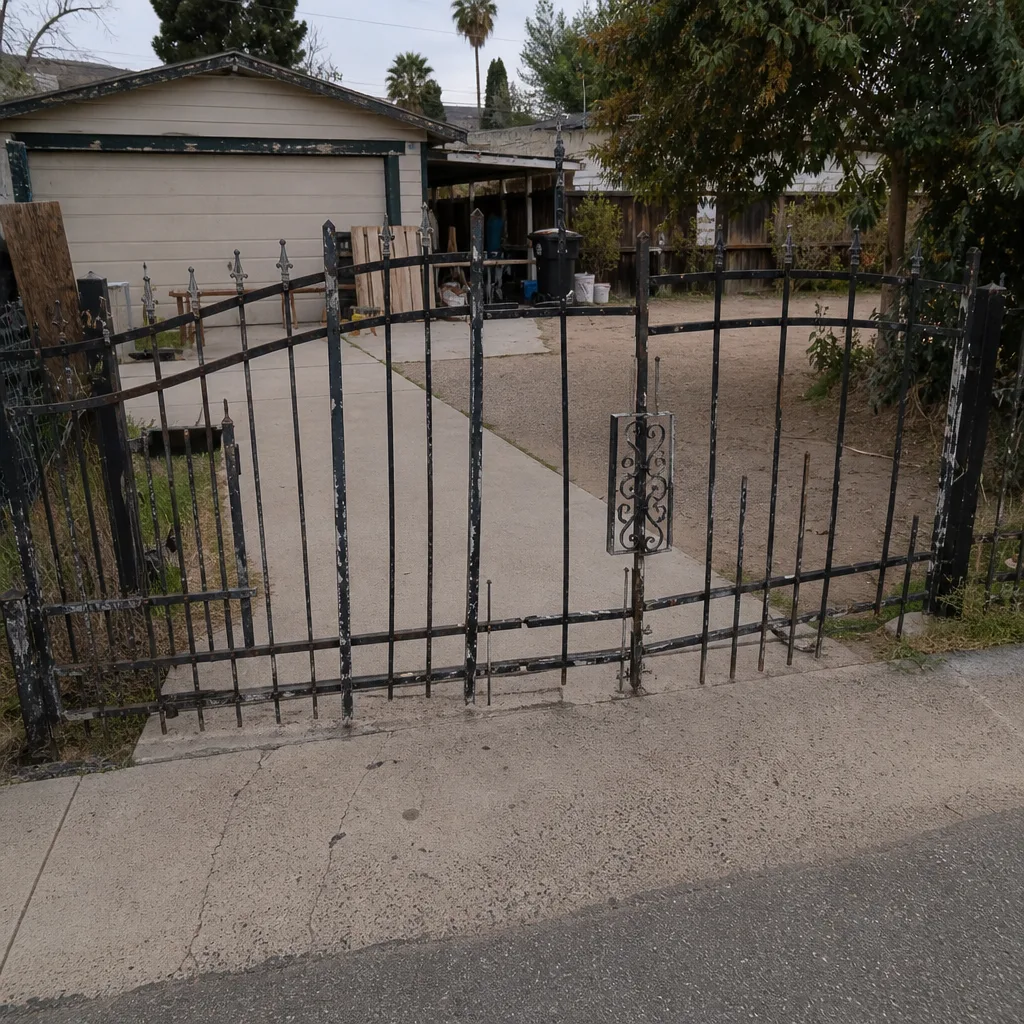 Before
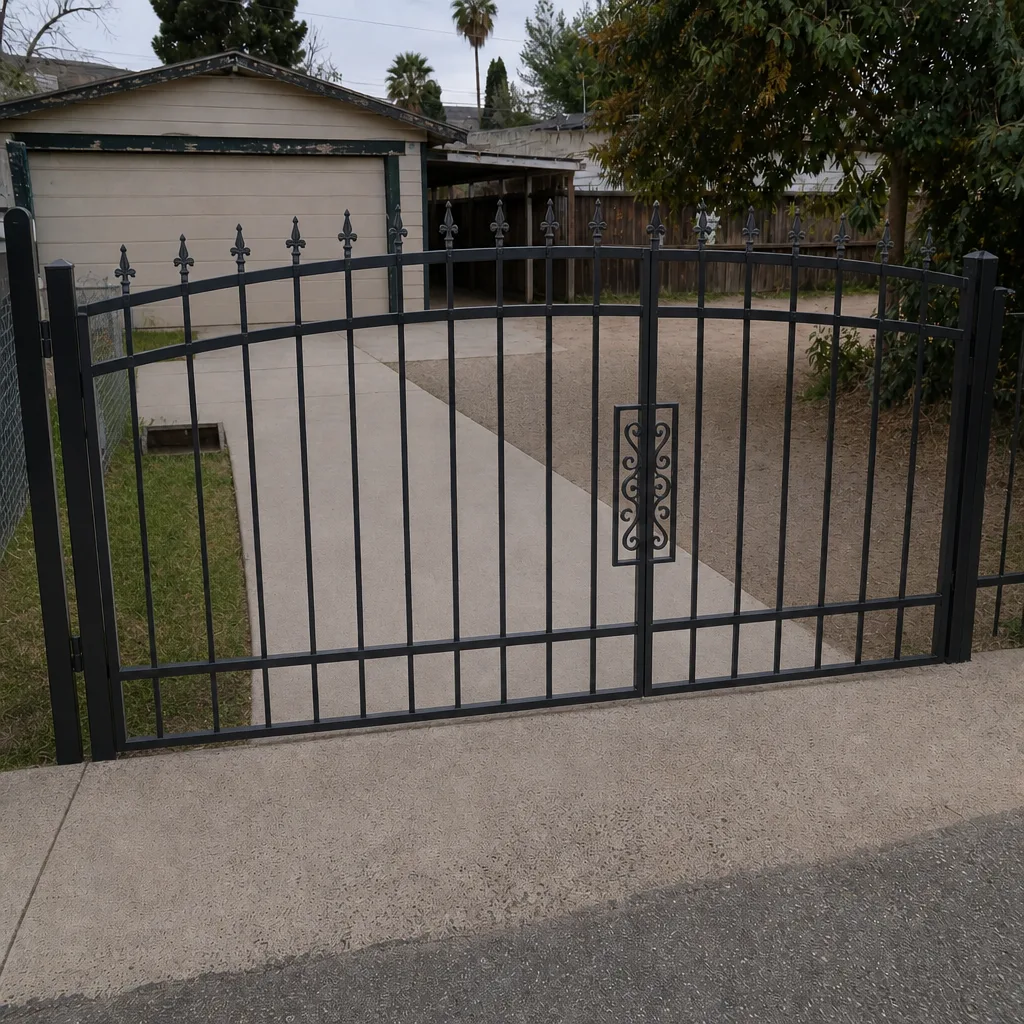 After
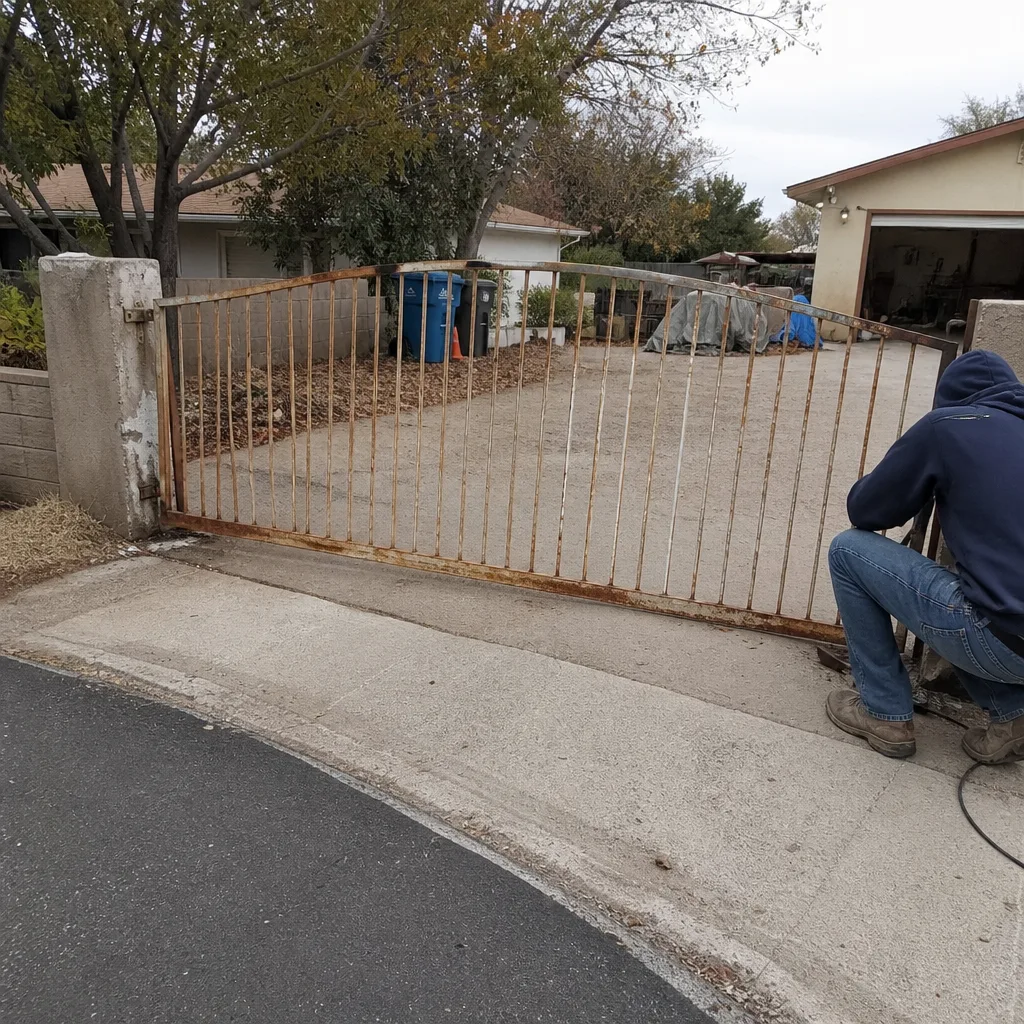 Before
 After
 Before
 After
When to Call a Professional
Call a professional when the gate moves on its own, when it won’t reverse on an obstruction, when the motor hums without moving and a capacitor swap doesn’t fix it, or when you’ve cleared power and signal and the gate still won’t respond. Those point to board-level or motor-level work that needs the right parts and a trained hand. On-site welding and true repair-first diagnosis are what we do, and we’d rather fix the real cause in your driveway than swap parts that don’t need swapping. Gatewood Fence & Gate Paradise offers free estimates in Paradise, a free second opinion on any written estimate, and a live person answers the phone around the clock. Call (888) 292-7536 and we’ll get you a straight answer. Whether it’s a repair or a full replacement, the quote is agreed before any work starts, and every job carries our 90-Day Done Right Promise in writing. You can also start from our Gatewood Fence & Gate Paradise home page to see everything we handle.
Frequently Asked Questions
A gate that reverses before closing almost always has a blocked or misaligned photo eye, or an obstruction sensor that got bumped. Clean both sensor lenses, check that the indicator lights are steady, and make sure nothing is crossing the beam. If it still reverses with a clear beam, the safety sensor or the board needs a look. Call (888) 292-7536 for a free estimate if the cheap fixes don’t solve it.
Listen. A failing capacitor hums or buzzes for a second and then gives up, because the motor wants to turn but can’t start. A failing control board is usually silent or behaves erratically with no pattern at all. Those two failures need different parts and different budgets, so the sound tells you where to look first.
That’s limit-switch drift, and it usually happens after the gate gets physically moved or pushed during a power outage. The opener’s travel limits no longer match where the gate actually stops. Confirm the gate moves freely by hand, then run the opener’s reset or relearn procedure or adjust the limit cams. If it keeps drifting after a reset, the limit switch may be worn.
You can safely handle the power, signal, and photo-eye checks in this guide, and those fix most problems. Once you’re into capacitors, control boards, or a motor that hums without moving, that’s professional work, especially in the Paradise heat where those parts take a beating. When the gate moves on its own, stop and call right away.
Heat is hard on capacitors, control boards, and motors, so failures cluster in the hot months here in Paradise. Wind-driven grit in tracks and hinges adds resistance that makes the opener work harder, and the strain shows up fastest when temperatures climb. Keeping the track and hinges clean through spring helps the electronics last.
We’re certified to service nine major brands, including Linear, Viking, Ghost Controls, DoorKing, LiftMaster, FAAC, BFT, Elite, and Mighty Mule. If your opener is one of those, we know its common failures and have the parts to fix them. Call (888) 292-7536 and tell us what you’ve got, and we’ll point you to the likely cause.
The Bottom Line
Most gate opener trouble traces back to four things, and the first three are cheap to check: power, signal, and mechanical resistance. Work the decision tree in that order, clean and test your photo eyes, listen for the difference between a humming capacitor and a silent board, and reset your limits only after the gate moves freely. In Paradise, keep wind grit out of your tracks so the motor isn’t fighting the gate. The one thing you never troubleshoot on your own is a gate that moves without a command. That’s a board fault and a safety hazard, and it’s when you call. For everything else, start with the free checks in this guide, and call (888) 292-7536 for a free estimate when you want a trained eye on it. Our technicians have up to 25 years of experience, and seniors and veterans get a permanent 10% discount. There’s no trip charge inside the county. When it comes time to replace rather than repair, take a look at Gate Installation in Paradise for what to plan for.
And if you’ve already had a national outfit quote you one price on the phone and another at the door, we get why you’d rather check things yourself first. The name is on the shop, and the shop is down the road. That’s the oldest accountability there is.
Written by the team at Gatewood Fence & Gate Paradise.