
Last updated November 18, 2026
 Wrought iron
 Wood & steel frame
 Farm & ranch
 Sliding driveway gates
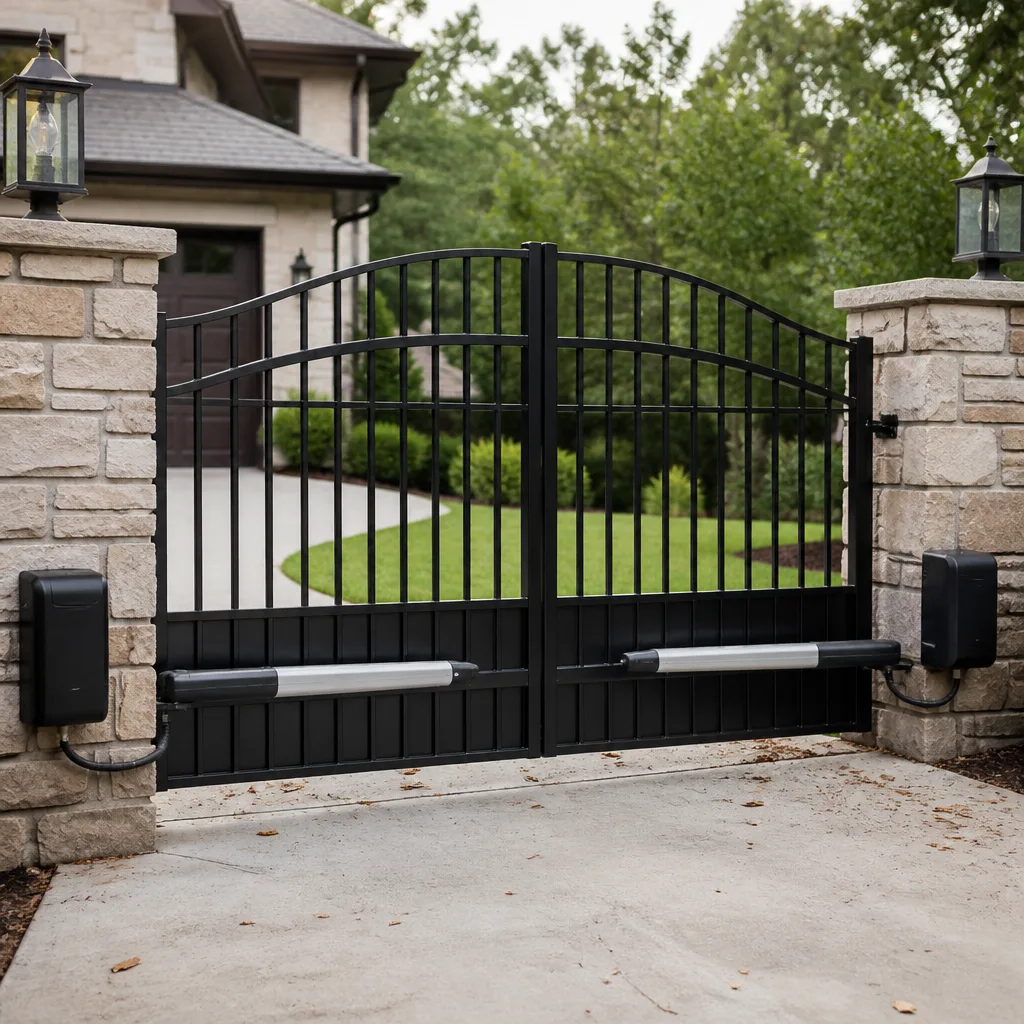 LiftMaster operators
Free on-site gate assessment - hinges, posts, and your LiftMaster or Nice gate operator checked before anything is quoted
The assessment is free and the quote is the invoice.
Get your free estimateGate Access Control Troubleshooting: Common Problems and How to Fix Them
The number-one access control complaint we hear is “the keypad stopped working.” About half the time, the keypad is fine. It’s a power supply issue, a loose ground at the controller, or a user code that got scrambled after a power bump. The keypad gets blamed because it’s the thing people touch, not because it’s the thing that failed. Here’s what we’ve learned after years of fixing gates around Paradise: most access control problems aren’t hardware failures at all. They’re configuration problems or connectivity problems, and a good many of them you can track down yourself before you ever pick up the phone. This guide walks you through the layered sequence we use, the failures we see most in the desert heat, and the exact point where you should stop troubleshooting and call someone who does this for a living.
Quick Answer
Gate access control problems almost always live in one of three layers: power to the controller, communication between the controller and the gate motor, or the access device itself. Check them in that order. In Paradise, brief summer-storm outages and heat-driven terminal corrosion are the two most common culprits, and a factory reset with code re-entry fixes most “system failures” that look expensive. If the problem also affects the gate’s safety reverse function, stop and call a professional.
Styles & brands we work with
- Wrought iron
- Wood & steel frame
- Farm & ranch
- Sliding driveway gates
- LiftMaster operators
Table of Contents
- The Layered Troubleshooting Sequence That Actually Works
- Layer One: Is the Controller Getting Clean Power?
- The Paradise Power Bump: Why a Reset Fixes “Dead” Systems
- Desert Heat and the Terminals That Fail First
- Layer Two: Communication Between Controller and Motor
- Cellular and App Systems: Three Checks Before You Blame the Hardware
- Layer Three: The Keypad, Reader, or Fob Itself
- When Troubleshooting Should Stop
The Layered Troubleshooting Sequence That Actually Works
When a gate won’t open, most people start at the thing they touch – the keypad or the remote. That’s backwards. In our experience, the device is the last place the problem lives. The real answer is almost always upstream. So we work the layers in order, every time, because it keeps you from buying a new keypad when the actual issue is a loose ground wire three feet away.
The sequence is simple:
- Power to the controller. Is the board getting steady, correct voltage? Is anything tripped, blown, or loose?
- Communication between controller and motor. Does the controller tell the motor to move, and does the motor obey?
- The access device. Only now do you question the keypad, card reader, phone app, or fob.
Working top-down this way, we find the fault in the first two layers roughly two-thirds of the time. A gate that won’t respond to a keypad in Paradise is usually a gate with a power or wiring problem, not an access-device problem. If you’re already dealing with a gate that won’t move at all, our guide on Gate Repair in Paradise covers the mechanical side, and it pairs well with this one because access control and motor problems often get confused for each other.
Layer One: Is the Controller Getting Clean Power?
Start here because everything downstream depends on it. A controller that’s browned out or getting dirty voltage will throw symptoms that look like a dozen different failures – random resets, codes that won’t take, a motor that stutters. Before you touch a single setting, confirm the power.
What to check, in order:
- The breaker or dedicated circuit. Confirm nothing tripped. Outdoor gate circuits in Paradise share some very old panels, and a tired breaker is not rare.
- The transformer or power supply. Confirm the input and output voltages match the rating on the label. A failing supply that reads low will cause intermittent grief for weeks.
- The fuse on the control board. Look for a blown board fuse before anything else. It’s cheap and it’s the most common single cause of a “dead” controller.
- Battery backup. If the system has a backup battery, check its age and voltage. A four-year-old battery in desert heat is a goner, and a weak battery drags the whole system down when the power dips.
Here’s the part people skip: confirm the ground. A loose or corroded ground connection at the controller makes voltage readings lie to you. We’ve seen a gate in Paradise that passed every meter test and still acted possessed because the ground lug on the board had worked loose. Tighten it, clean it, test again.
The Paradise Power Bump: Why a Reset Fixes “Dead” Systems
Our monsoon season sends brief outages and voltage dips through whole neighborhoods, and those little bumps do something sneaky: they corrupt controller memory. A code that worked fine in June stops registering in August. The gate behaves like the whole system failed, and the homeowner assumes it’s a thousand-dollar control board.
Before you believe that, do a clean reset and re-enter the codes:
- Cut power at the breaker for a full two minutes – not ten seconds. Capacitors need to drain.
- Restore power and listen for the board to cycle normally.
- Re-enter your user codes and check each one.
- Test the remote or fob, then test any app or phone-based entry separately.
A surprising share of “system failures” we get called out for in Paradise are exactly this: a memory scrambled by a power bump, fixed by a reset and a fresh code entry. Some of the newer LiftMaster and Linear controllers hold up better than older boards, but none of them are immune. If your gate has a battery backup, the reset also lets the system calibrate against a healthy battery instead of a tired one. While you’re in there, this is the natural moment to check your motor’s own health – our Gate Motor & Opener in Paradise guide explains the motor-side warning signs so you know what belongs to access control and what belongs to the opener.
Desert Heat and the Terminals That Fail First
Outdoor controller enclosures in Paradise live through brutal swings – a hundred-plus in July and freezing nights in January. Every heat cycle makes metal expand and contract, and every one of those cycles loosens a screw terminal a little. Add the dust that blows through the valley and you get the failure we see more than any other in a desert climate: corrosion-prone terminals that lose contact quietly.
Where to look:
- The terminal strip on the control board where field wiring lands. Wiggle each wire gently – it should be tight. A wire that moves is a pending failure.
- Any wire nut or splice in the outdoor run. In our experience, more gate systems fail at a splice somebody made in a hurry than at any factory component.
- The ground terminal. Green fuzz on a ground lug is corrosion, and corrosion on a ground means intermittent everything.
- The enclosure door gasket. A dried, cracked gasket lets in dust and, when it does rain in Paradise, water that shouldn’t be there.
Clean terminals with a wire brush and a light contact cleaner, re-tighten, and re-test. This is routine for us, not a repair. If you want to keep your gate serviceable and skip this headache every year, that’s one reason a well-mounted setup matters from day one – see our Gate Installation in Paradise page for what a proper install looks like.
Layer Two: Communication Between Controller and Motor
If power is clean and the controller is healthy, the next question is whether the controller’s commands actually reach the motor. The access device sends a request, the controller processes it, then sends a signal to the operator. Any break along that path gives you a gate that “ignores” its keypad.
Check these connection points:
- The control wiring between board and operator. Confirm continuity and confirm the terminals are tight at both ends.
- The limit switches. If the operator doesn’t see its open or closed limits, it may refuse to move even when the command arrives. Watch the status lights if your board has them.
- The safety devices. Photo eyes and safety edges are wired into the control path. A blocked or misaligned eye can stop the gate from completing a cycle, which looks exactly like an access failure to the person at the keypad.
- Manual release. Confirm the gate is actually in automatic mode and not left in manual release. This sounds silly until it’s the actual answer, and it has been the actual answer more times than we’d like to admit.
An important caution: safety edges and reverse functions are a liability component, not a convenience. Do not disable a safety device to “test” whether the gate works. That’s the one test that can hurt someone. This is where our gate repair work crosses into the dangerous stuff – see our home base at Gatewood Fence & Gate Paradise home for how we approach safety-critical repairs.
Cellular and App Systems: Three Checks Before You Blame the Hardware
Smart access systems add a whole new layer of things that can go wrong, and the hardware is usually innocent. Before anyone orders a replacement module, check three things – in this order.
- Carrier signal check. Look at the signal strength indicator on the controller module or in the app. A weak cellular signal at a rural Paradise property will cause intermittent failures that look like hardware faults. If the signal is weak, re-mount or re-aim the antenna before anything else.
- App permission audit on the phone. Modern phones aggressively limit background data and location permissions. An app that lost its background refresh permission stops sending commands even though nothing at the gate changed. Check the operating system’s app settings, not just the app’s own settings.
- Controller firmware version. Confirm the controller is running current firmware. Outdated firmware and app updates can fall out of sync, and the result is a system that “worked yesterday.”
If all three are healthy and the system still won’t respond, then you can suspect the module. Even then, our experience says pull the power and reset before you buy anything – the same power-bump logic from earlier applies to smart systems, just with more software on top. Brands like FAAC and BFT handle these resets a little differently, which is one reason brand knowledge matters here.
Layer Three: The Keypad, Reader, or Fob Itself
Only after power and communication check out do we question the access device. When the keypad really is the problem, the symptoms are usually consistent rather than random. A keypad with a failing membrane won’t register a code every single time. A keypad affected by a wiring issue fails intermittently. Random failure points upstream; repeatable failure points at the device.
What to check on the device:
- Power at the device. Meter the keypad’s supply voltage at the terminals, not at the controller.
- The code itself. Re-enter the user code fresh. A corrupted code looks like a dead keypad.
- The backlight and display. No light at all usually means no power, which sends you back to layer one.
- Fobs and cards. Test a second fob. If one works and one doesn’t, the problem is the fob, not the reader.
Readers, prox cards, and intercom keypads are usually the last thing to fail and the first thing to get blamed. If you’ve worked the layers down to here and the device tests healthy, the fault is upstream and you’ve got a wiring or controller problem that needs a meter and a trained eye.
When Troubleshooting Should Stop
There’s a line, and it’s important. Any access control problem that also affects the safety reverse function of the gate motor is a liability issue, not a configuration issue. If the gate fails to reverse when it meets an obstruction, or if the safety edges or photo eyes won’t test reliably, stop troubleshooting and call a professional. The same goes for any gate that moves unpredictably, any gate on a slope, and any system where disabling a safety device is the only way to make it work. No setting on a control board is worth an injury. In Paradise, with the heat and dust we get, safety devices fail more often than people expect, and it’s not something to sort out with a code change.
Common Mistakes to Avoid
- Replacing the keypad before testing power. Half the “dead keypads” we see are healthy devices attached to an unhealthy controller. Meter first, buy later.
- Skipping the reset after a storm. In Paradise, a power bump that corrupts controller memory gets misdiagnosed as a failed board every summer. A two-minute power-down and code re-entry fixes most of them.
- Ignoring the ground connection. A loose ground makes every other test unreliable. You’ll chase ghosts for an hour before you find it.
- Assuming an app failure is a hardware failure. Phone permissions and background data settings cause more smart-system failures than modules do.
- Leaving a gate in manual release. Before you call anyone, confirm the gate is actually in automatic mode. It’s the cheapest fix there is.
- Testing safety edges by disabling them. Never bypass a safety reverse function to “see if the gate works.” That’s a liability risk, not a diagnostic.
- Doing your own wiring without a meter. Guessing at wiring in an outdoor enclosure is how a small problem becomes a big one. If you don’t have a meter and know how to use it, call someone who does.
See the difference
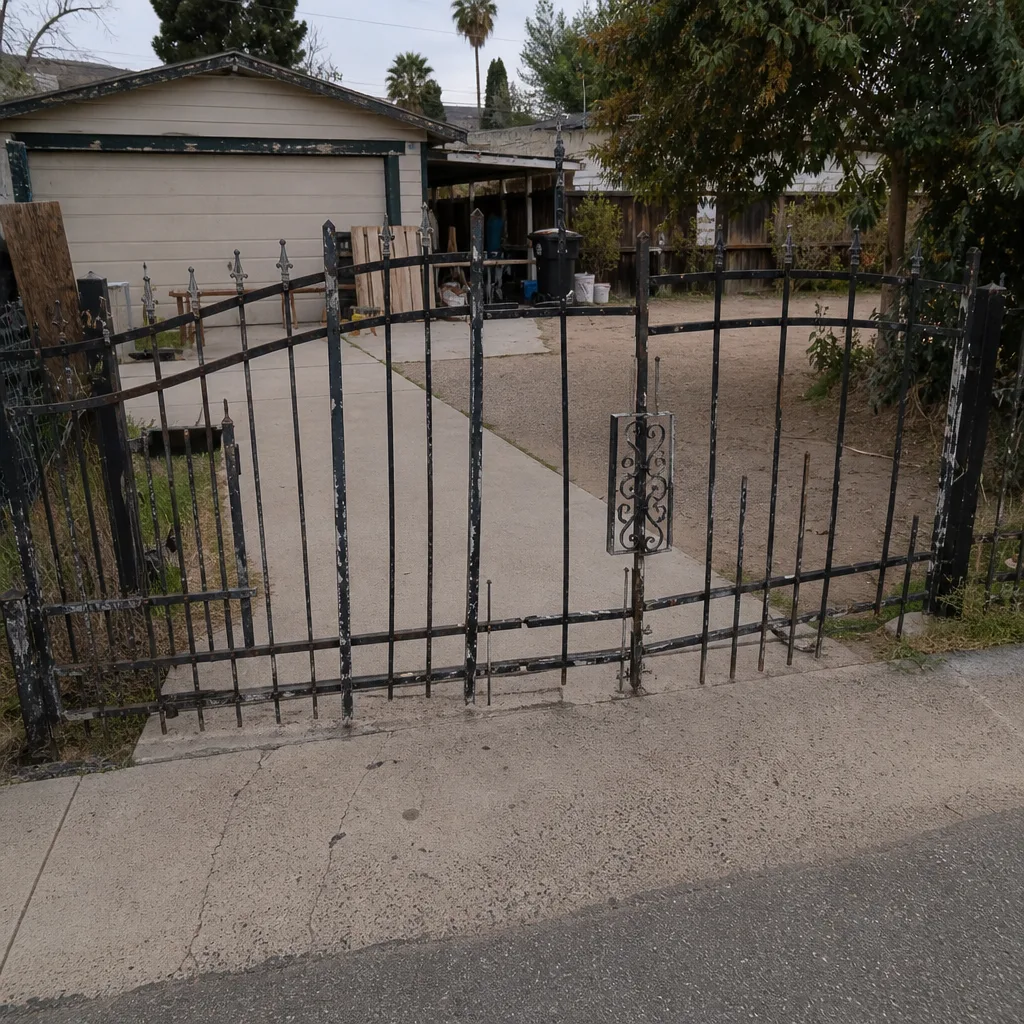 Before
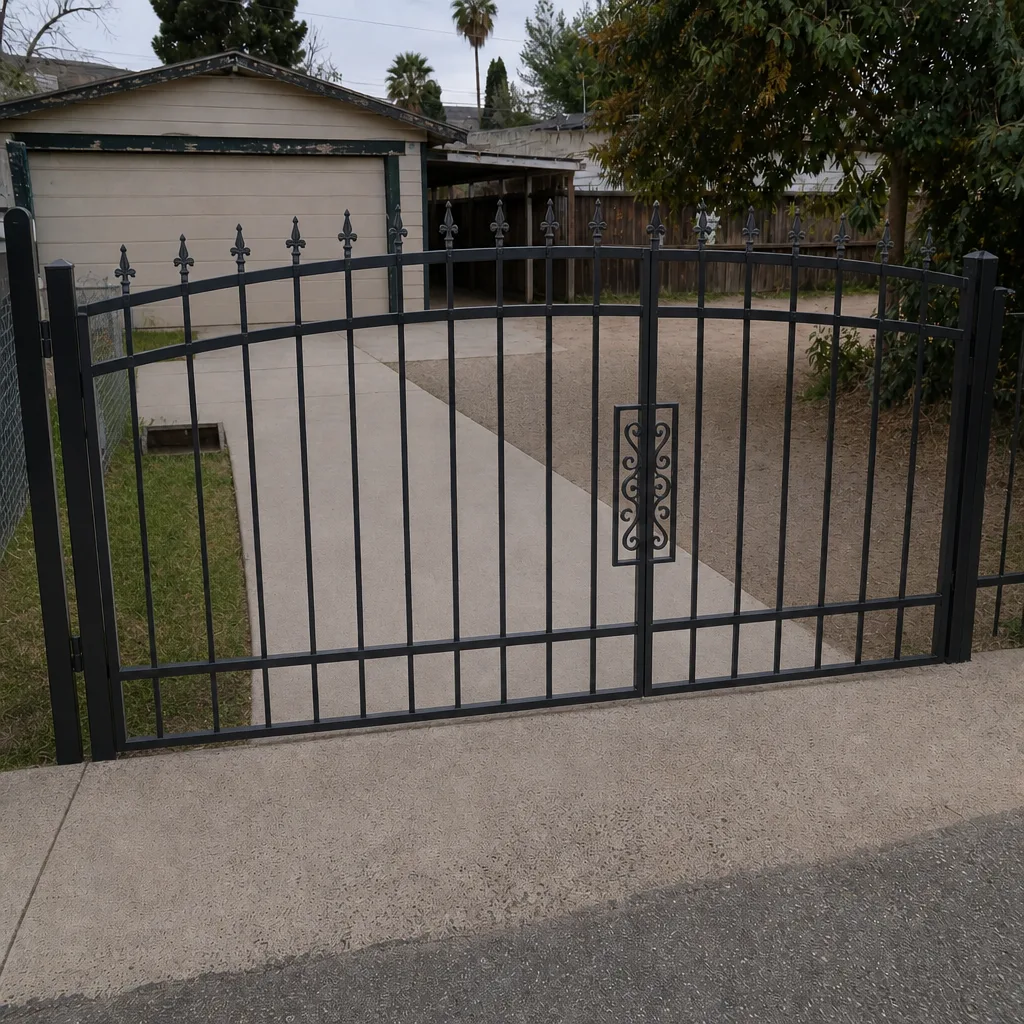 After
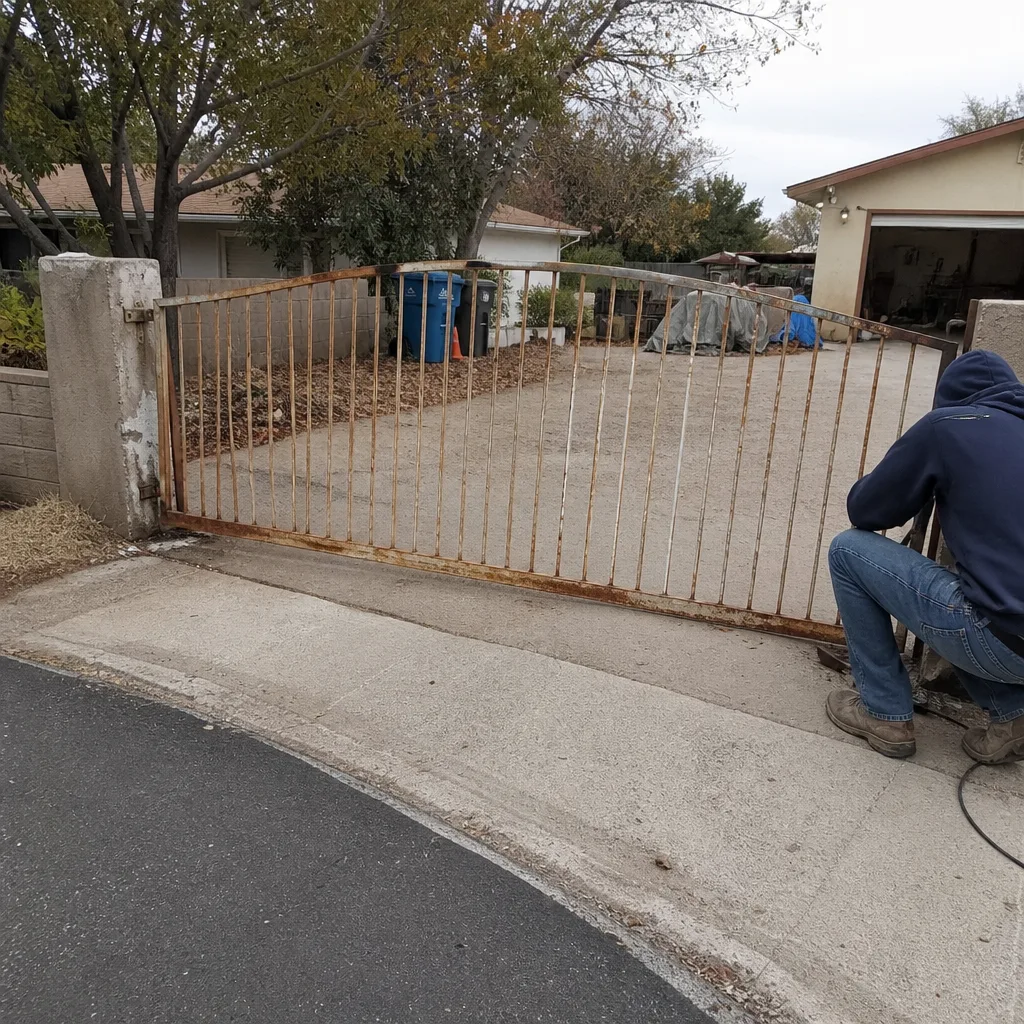 Before
 After
 Before
 After
When to Call a Professional
Call us when the fault isn’t in the first two layers you can safely check, when the safety reverse function is involved, when the wiring needs a meter you don’t own, or when the reset-and-reenter dance hasn’t fixed it. Call us when the problem is intermittent and you’ve run out of patience. Call us when the gate is stuck open in a storm or closed when someone needs to get through. Gatewood Fence & Gate Paradise offers free estimates in Paradise – call (888) 292-7536 and a live person answers, day or night, not a voicemail box. We’ll walk the layers with you and tell you honestly whether it’s a two-minute fix or a job worth booking.
Frequently Asked Questions
Because the outage likely scrambled the controller’s memory, not the keypad. A full power-down, wait, and code re-entry fixes most cases in Paradise where summer storms cause brief outages. If the reset doesn’t fix it, call (888) 292-7536 and we’ll walk the layers with you.
It can, but it usually corrupts memory before it destroys hardware. That means a reset and code re-entry is worth trying before you assume the board is dead. If the reset fails twice, the controller or its power supply needs a proper look.
A remote working while the app doesn’t points to the smart path, not the gate. Check carrier signal strength at the property, the phone’s background-data and location permissions, then the controller’s firmware version in that order. If all three check out, the module itself becomes the suspect.
Intermittent failures point upstream. Loose terminals, corrosion from heat cycles, or a tired battery cause random failures, while a device failure is usually repeatable. Start with the connection points in the outdoor enclosure.
Yes. Gatewood Fence & Gate Paradise services gate access control and the major brands behind it, including LiftMaster, FAAC, BFT, and Linear. We check the whole system, not just the keypad, and stand behind the work with our 90-Day Done Right Promise.
Yes, if your manual documents it and the reset doesn’t touch safety devices. Cut power for two full minutes, restore it, then re-enter codes one at a time. If the reset triggers a safety-reverse fault or the gate behaves unpredictably after, stop and call (888) 292-7536.
The Bottom Line
Most access control failures aren’t system failures. They’re configuration problems and connectivity problems hiding in the first two layers – power and communication – and that’s where to look before you blame the keypad. In Paradise, start with a clean reset after every power bump, then work the terminals because heat and dust loosen them. Check carrier signal, phone permissions, and firmware before you suspect a smart module, and stop the moment a safety reverse function is involved. If the fault lives past all that, we’re a phone call away and estimates are free.
Written by the team at Gatewood Fence & Gate Paradise.
Need help? Call (888) 292-7536 for a free estimate in Paradise. A live person answers around the clock, every job carries the 90-Day Done Right Promise in writing, and we’ll tell you the truth about whether it’s a quick fix or a repair worth booking.