
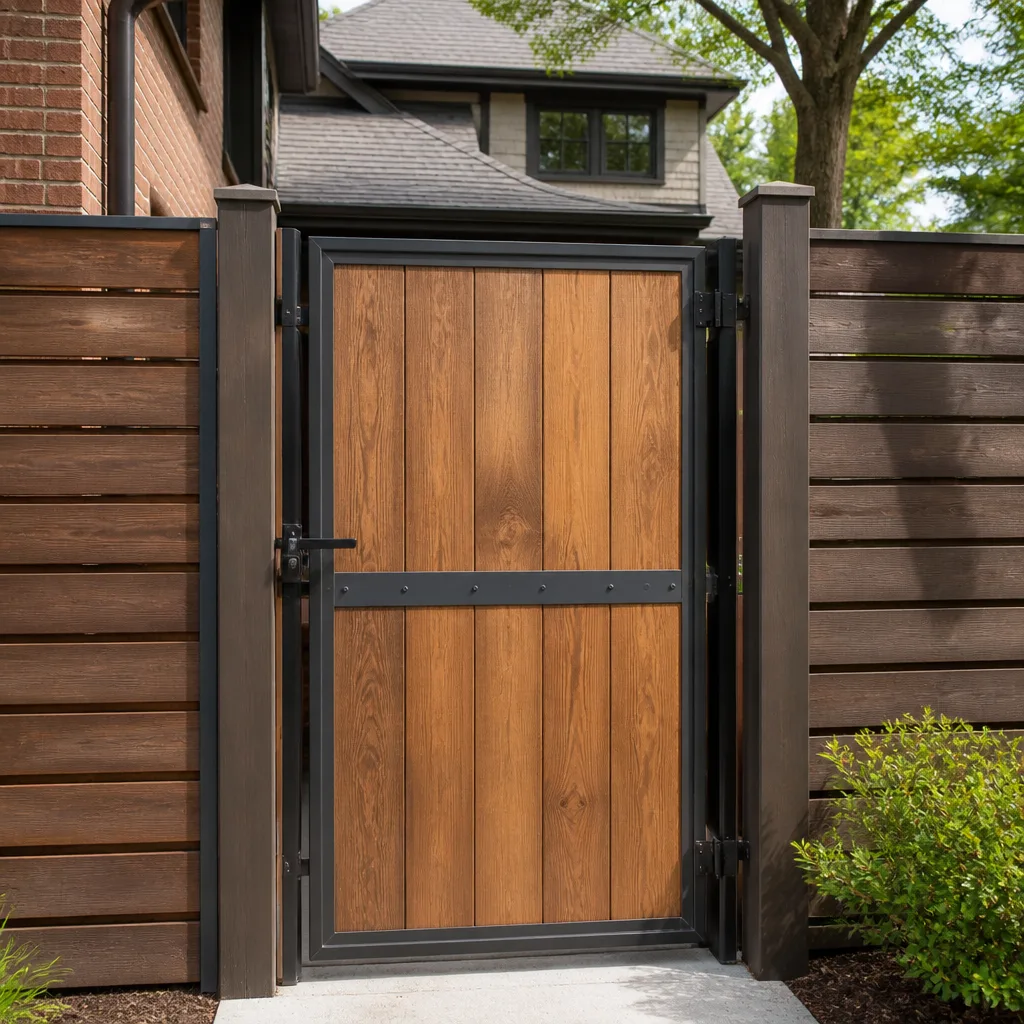
 Wood & steel frame
 Wrought iron
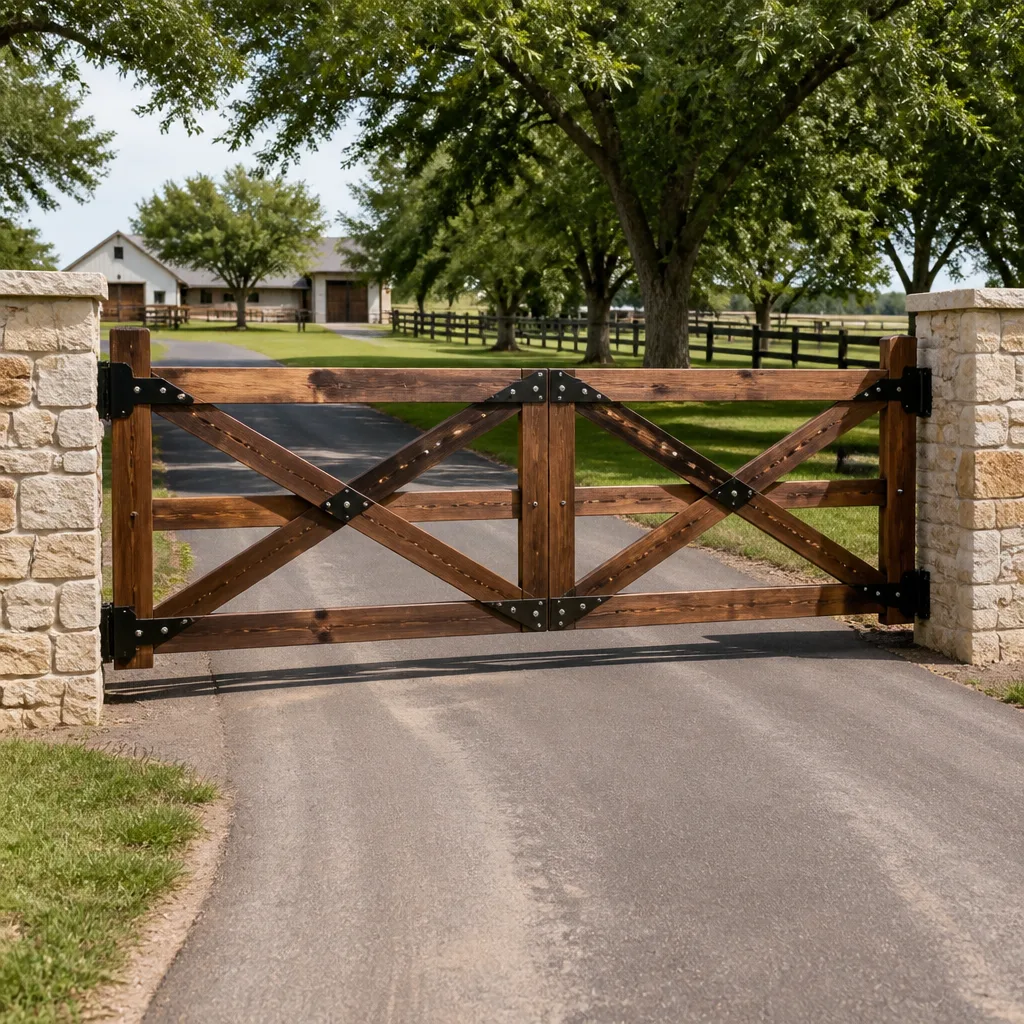 Farm & ranch
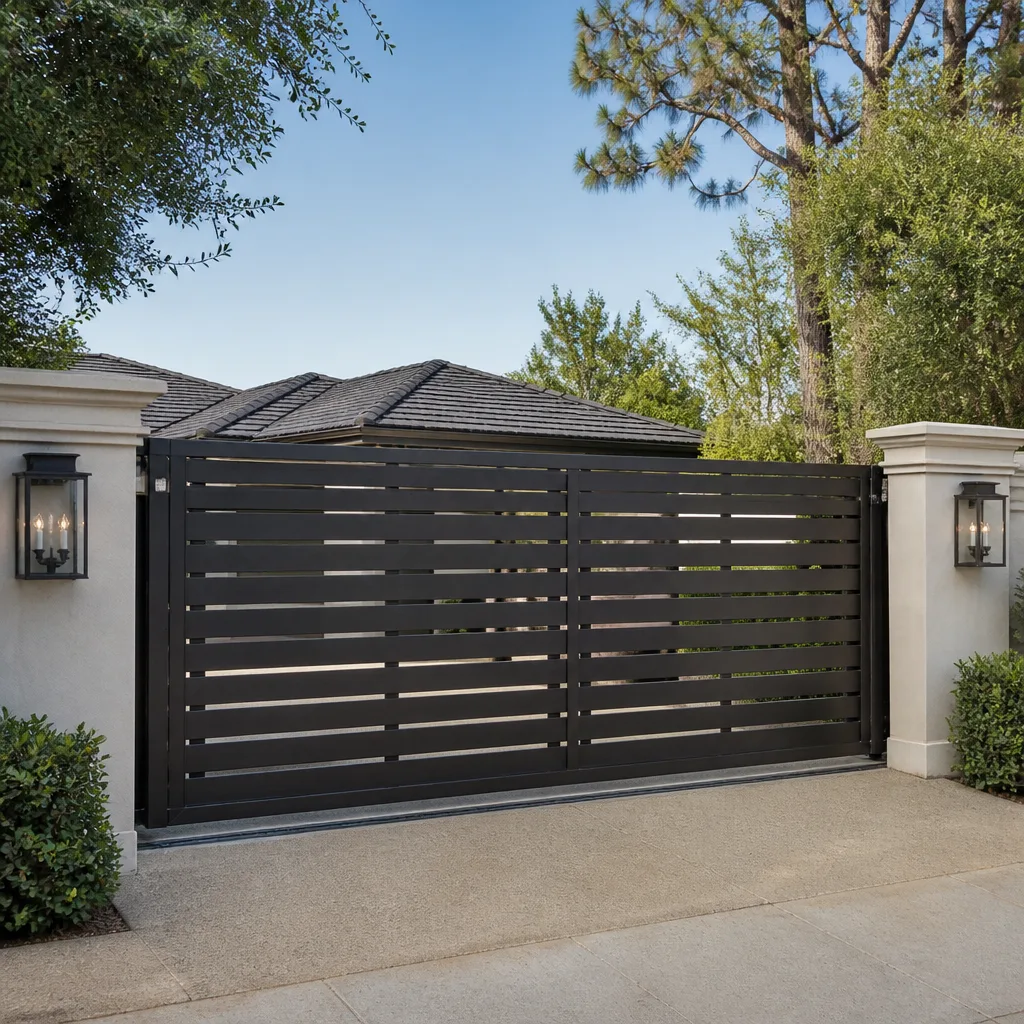 Sliding driveway gates
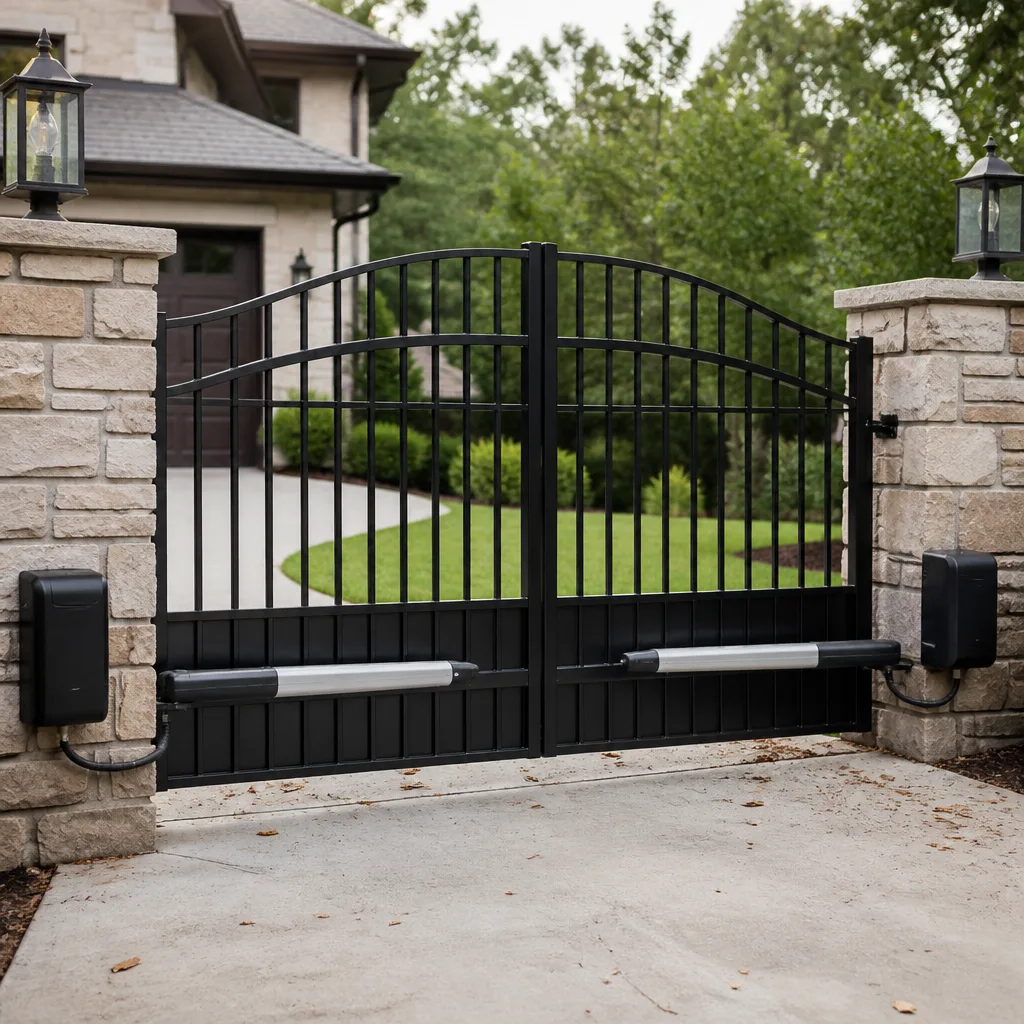 LiftMaster operators
Free on-site gate assessment - hinges, posts, and your LiftMaster or Nice gate operator checked before anything is quoted
The assessment is free and the quote is the invoice.
Get your free estimateStyles & brands we work with
- Wrought iron
- Wood & steel frame
- Farm & ranch
- Sliding driveway gates
- LiftMaster operators
See the difference
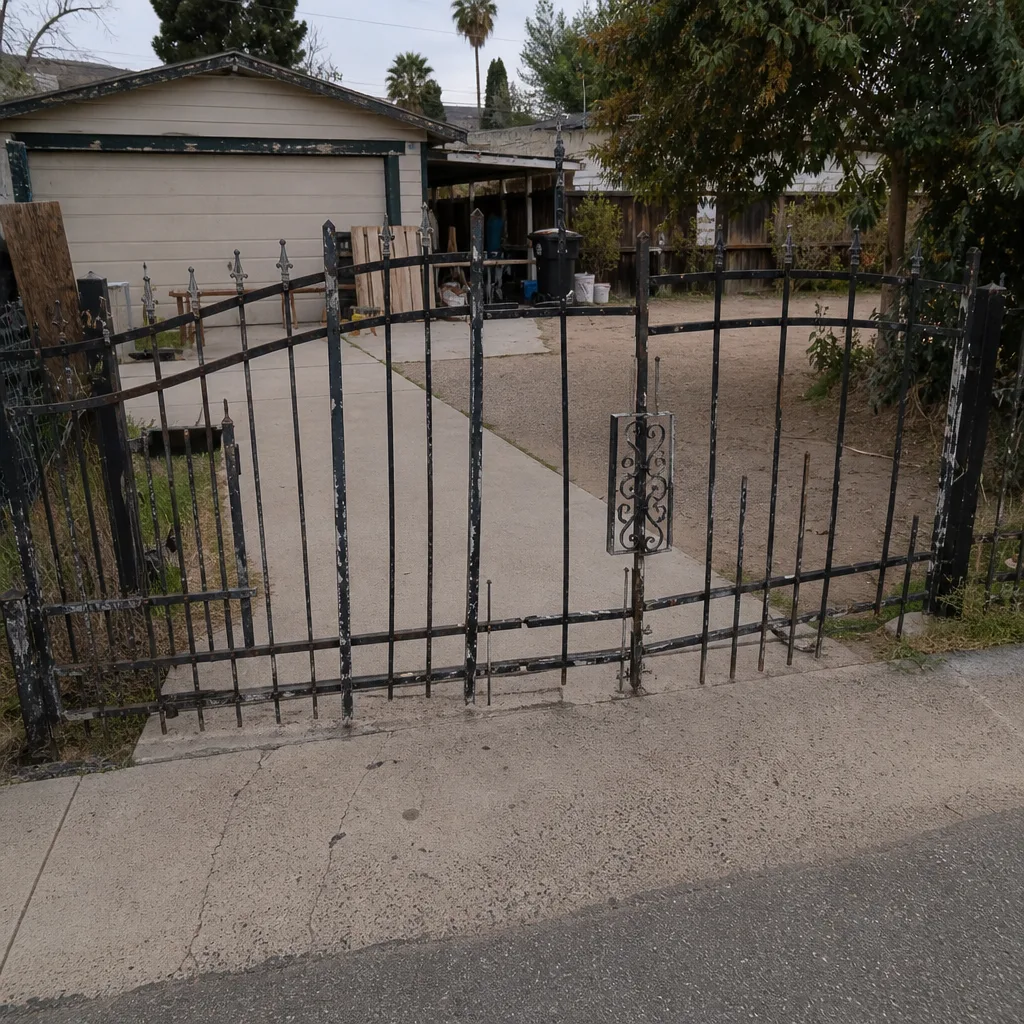 Before
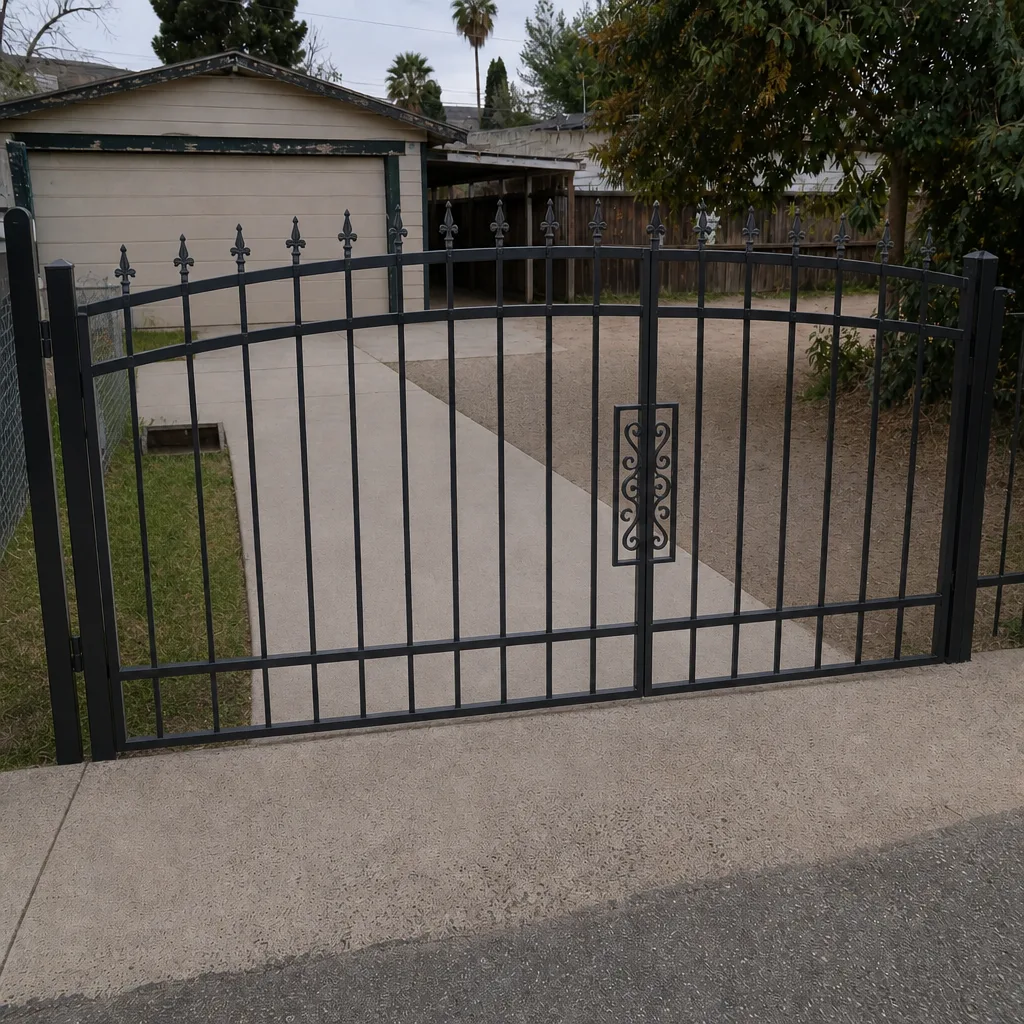 After
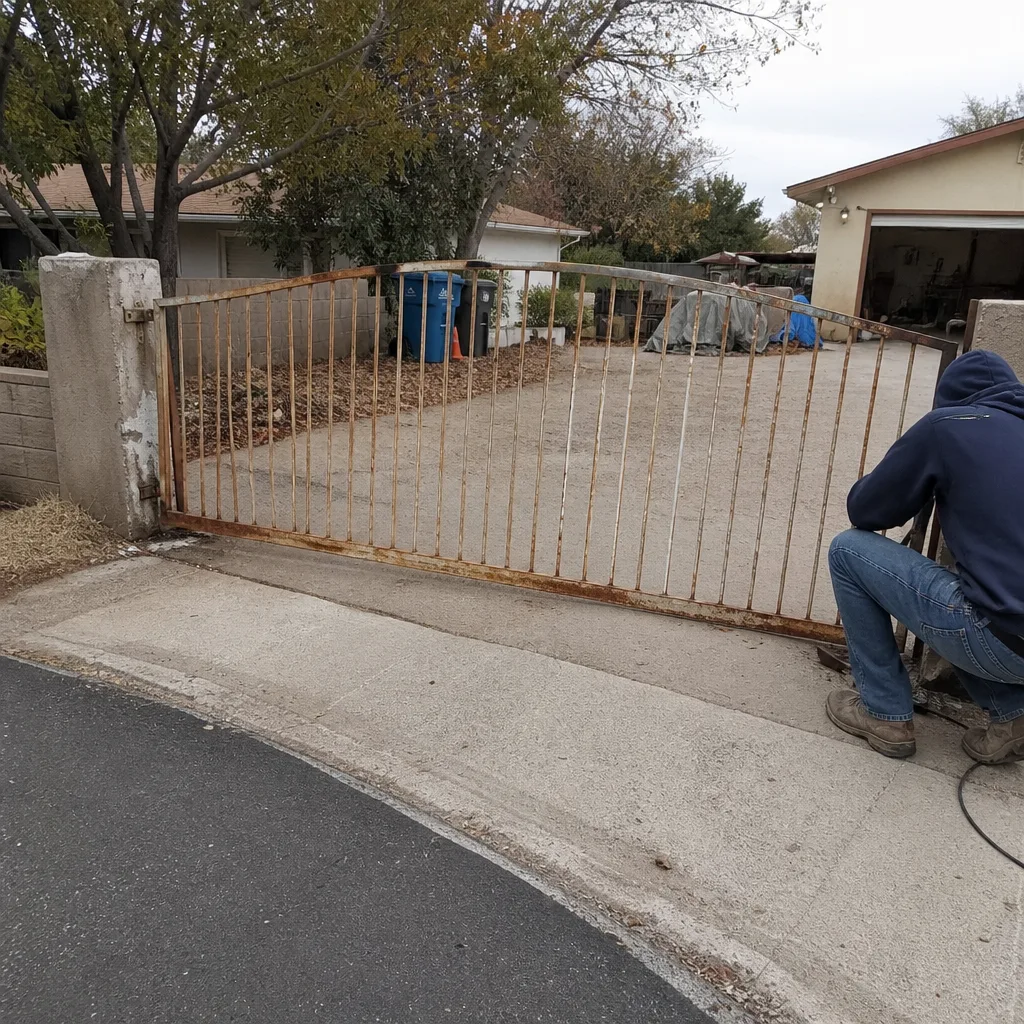 Before
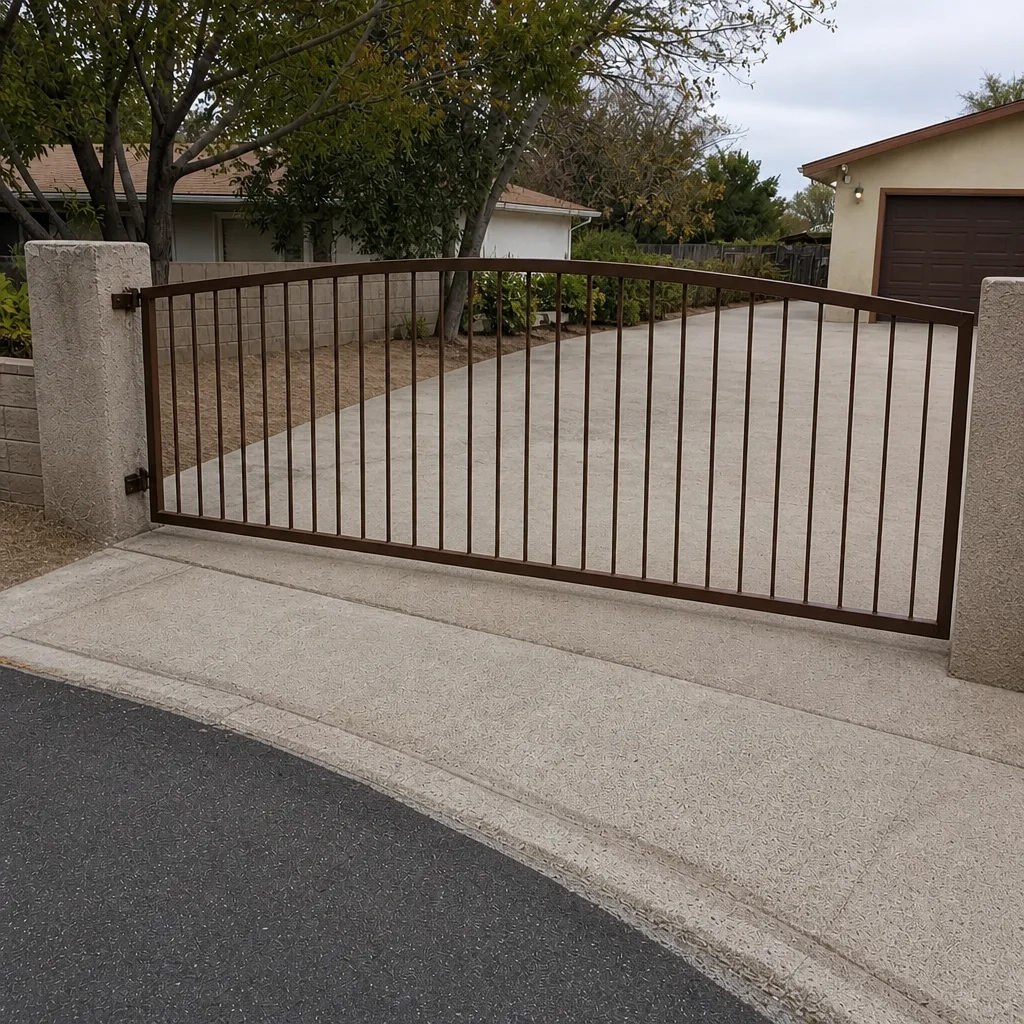 After
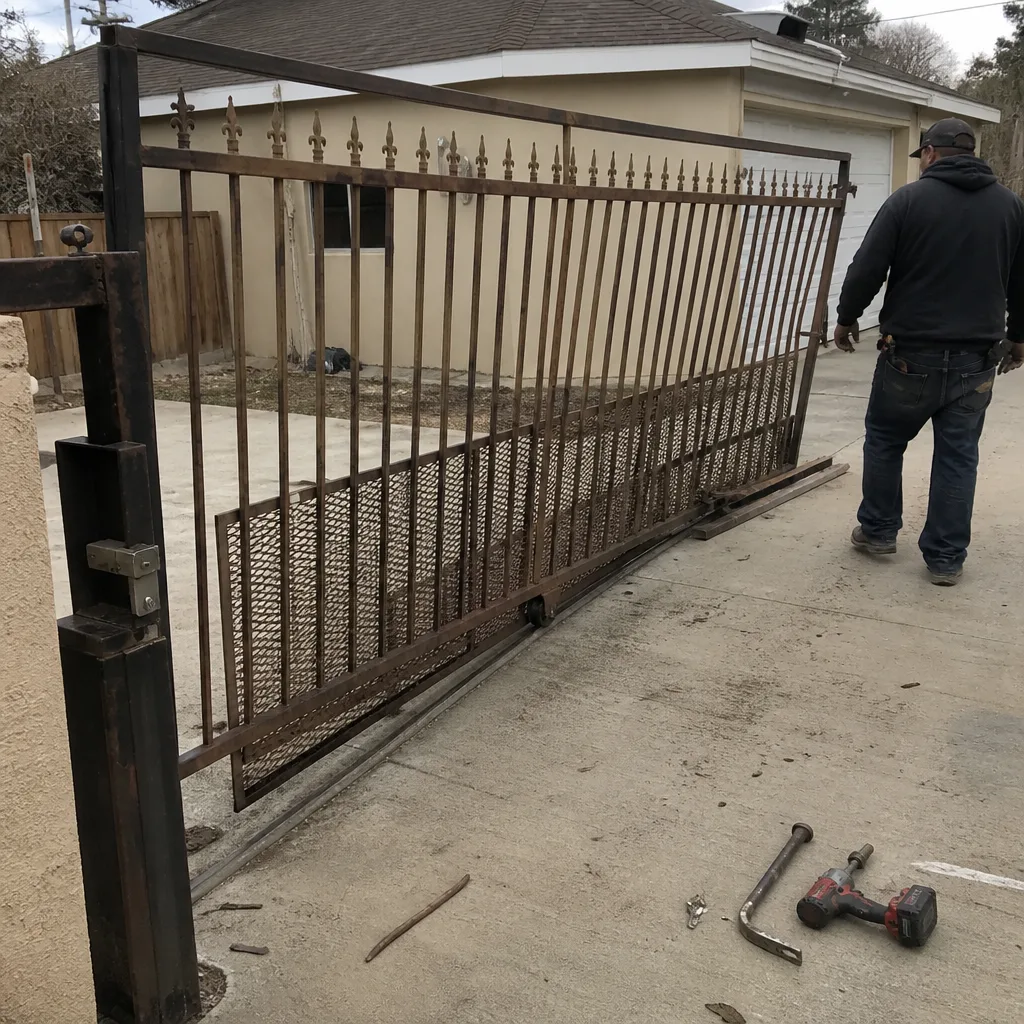 Before
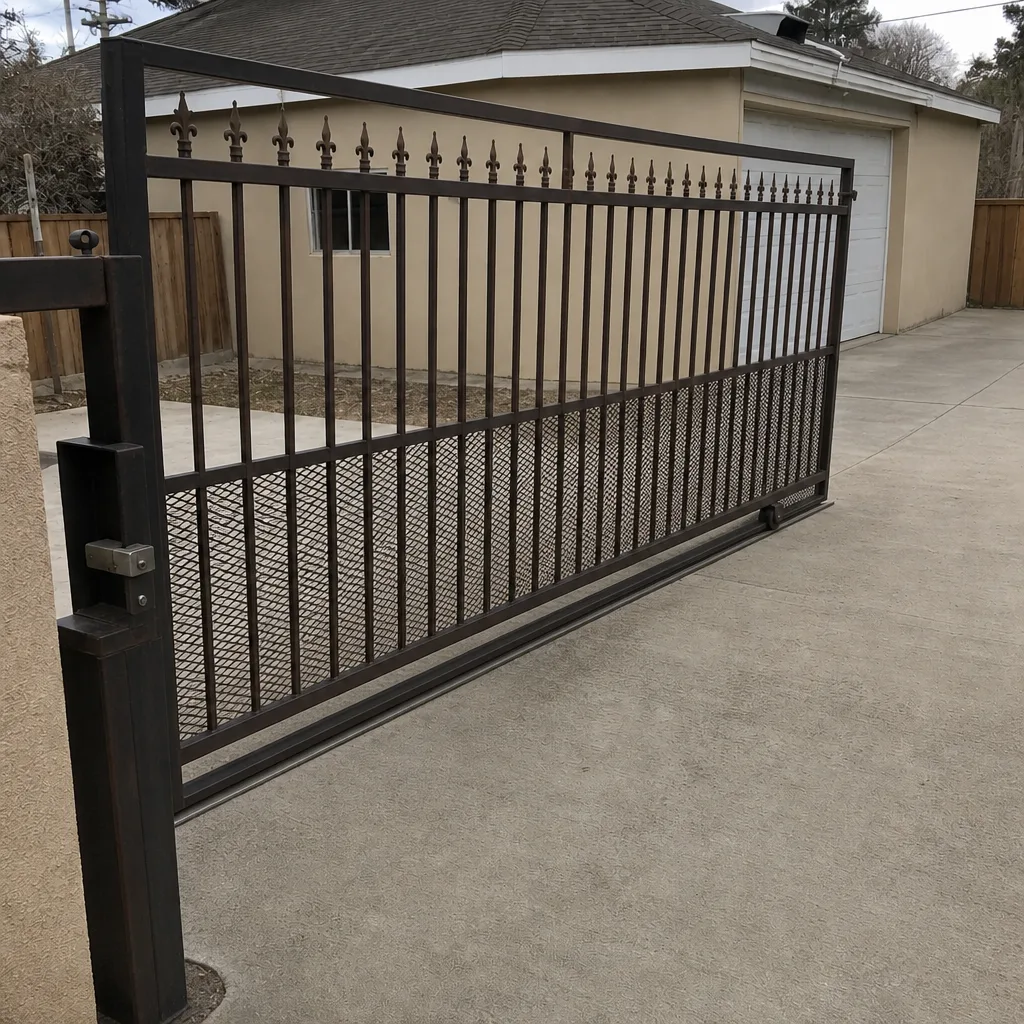 After
How to Reset an Automatic Gate in Paradise, NV: Clear the Fault Before You Reset the Board
To reset an automatic gate, cut power at the breaker or the operator’s disconnect switch for about 60 seconds, then restore it, and on most boards you press and hold the reset or limit-set button until the status LED settles. But in Paradise, that reset won’t hold if you skip the step most guides leave out: the safety sensor or limit switch that caused the lockout is still blocked, usually by desert dust or monsoon grit, so the gate runs one cycle and faults again. The short answer: clear the obstruction first, then reset.
If you’ve reset your gate twice and it locked out again both times, you didn’t fix the reason it locked out. We see this on the older residential blocks just east of the Strip constantly. A photocell lens coated in fine dust blocks the safety beam, the board reads an obstruction, and it refuses to run. You can wipe that lens with a dry rag in thirty seconds. Calls come in around the clock for this, and a live person answers every one.
Before You Reset: The Paradise Pre-Reset Checklist
Generic how-to pages were written for green lawns and mild weather. Paradise is a built-up urban strip of 1960s through 1980s homes, low-rise apartments, and motel-era properties, all sitting in blowing desert dust. That changes what trips a gate here. Run these three checks before you touch the reset button:
- Wipe the photocell lenses. Desert dust routinely coats the safety eyes and blocks the infrared beam. A clean lens eliminates the single most common false obstruction we find in Paradise.
- Check the limit switch for grit. Packed sand and windblown grit can jam the limit switch actuator and give the board a false “gate is at end of travel” reading, which prevents a clean reset. Brush it out, don’t blast it with a hose.
- Inspect exposed wiring for cracked insulation. Intense UV dries out the jacket on exposed low-voltage wire. A hairline crack can cause an intermittent short that faults the board at random times, and a reset only masks it.
On those older iron gates, sun-baked welds also go brittle and snap rather than bend, and pool gates have to keep satisfying Nevada’s child-safety self-closing and self-latching code. Those are separate repair calls, but a gate that won’t latch cleanly can throw a safety fault too. If your sag or weld is the real problem, that’s a gate repair question, not a reset question.
How Do You Reset a LiftMaster or Viking Gate Operator?
The two most common residential operators in Paradise are LiftMaster swing operators and Viking units, and their reset procedures aren’t identical. Most online guides describe one brand or describe it wrong. Here’s the sequence for each:
LiftMaster swing gate operator
- Locate the control box and switch the operator off at its power switch, or kill the circuit at the breaker.
- Wait a full 60 seconds so the board’s capacitors drain and the logic truly clears.
- Restore power and watch the status LED. On most LiftMaster boards, a steady light means ready and a blinking pattern means a stored fault.
- Press the reset or limit-set button per the operator’s manual and let the gate run a full open-and-close cycle to relearn its limits.
Viking operator
- Power down at the disconnect or breaker and wait 60 seconds.
- Restore power and let the board complete its self-test; the LED will blink a diagnostic code if a fault is stored.
- Use the board’s reset or learn button to clear the fault, then run one full cycle so the limit positions re-register.
If the arm was disengaged during a power outage, re-engage it fully before you reset. A half-seated arm reads as an obstruction and the board faults immediately. That’s the step most homeowners skip, and it’s why some gates “refuse” to reset even after a clean power cycle.
What Do the Blinking Light Codes on a Gate Operator Mean?
The blinking LED on your control board isn’t decoration, it’s the operator telling you what kind of fault stopped it. Reading that blink pattern tells you whether the lockout was a safety trip, a power fault, or an internal board error, and that decides whether a reset will even hold. A safety trip from a dusty photocell clears fine once you clean the lens. A board error may not clear at all without a part. Common patterns we work with:
- Rapid repeated blinks: often a safety-device trip, the beam-blocked fault that dust causes most in Paradise.
- Slower, even blink: frequently a limit or travel fault, where grit has confused the end-of-travel reading.
- Irregular or double-pulse codes: can point to a power or wiring fault, including that cracked insulation on sun-dried wire.
Count the blinks before you reset, and count them again if it faults after. That count is the single most useful thing to tell us. Our technicians have up to 25 years of experience reading these boards, and we’re certified to service LiftMaster, FAAC, BFT, Viking, Mighty Mule, Linear, Ghost Controls, DoorKing, and Elite.
When a Reset Won’t Hold: It’s a Diagnosis Call, Not Another Reset
If your gate resets and locks out again within a day, stop resetting. That pattern means the underlying fault never cleared, and another reset just wastes your afternoon. Call us at (888) 292-7536 and describe the blink pattern. A live person answers, day or night, and can tell you over the phone whether it’s a quick lens-cleaning fix or a truck visit. We don’t send voicemail or a bot to do that job.
When it does need eyes on it, we fix gates on site rather than hauling them off, including welding in your driveway. Every job carries our 90-Day Done Right Promise in writing, and the pricing is quoted upfront with no changing the number at the door. If you’re weighing repair against replacement, our Gate Motor & Opener guide walks through what a new operator involves versus a board repair. Repair often wins.
Frequently Asked Questions
Cut power at the breaker or disconnect for 60 seconds, restore it, then press the reset or learn button and run a full cycle. In Paradise, clean the photocell lenses and brush grit from the limit switch first, or the gate will just fault again.
A repeat lockout means the original fault (usually a dust-blocked sensor or grit-packed limit switch) never cleared. Clean those first. If it still faults, call (888) 292-7536 and describe the blink code before you reset a third time.
The blink pattern is the board naming its fault. Rapid blinks often mean a safety-beam trip, slower blinks a travel or limit fault, and irregular pulses can signal a wiring or power problem. Counting the blinks tells us what kind of call it is.
Re-engage the operator arm fully before resetting. A partly disengaged arm reads as an obstruction and the board faults instantly. Once the arm is seated, power-cycle and run one full cycle to relearn the limits.
If you’d rather have it looked at, Gatewood Fence & Gate Paradise offers a no-pressure assessment in Paradise, with upfront pricing and a free second opinion on any written estimate. Call (888) 292-7536 for a free estimate.
Written by the team at Gatewood Fence & Gate Paradise, serving Paradise, NV.