
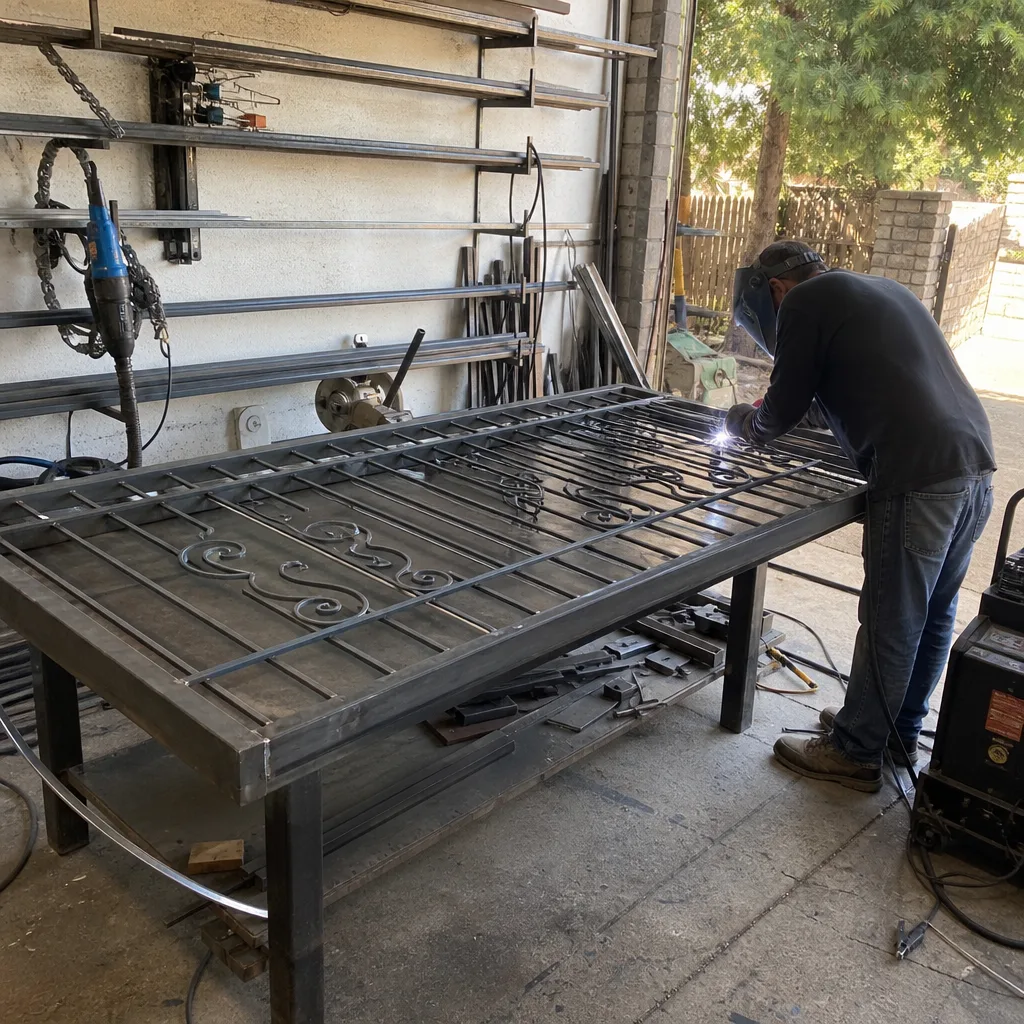
Last updated November 18, 2026
 Wrought iron
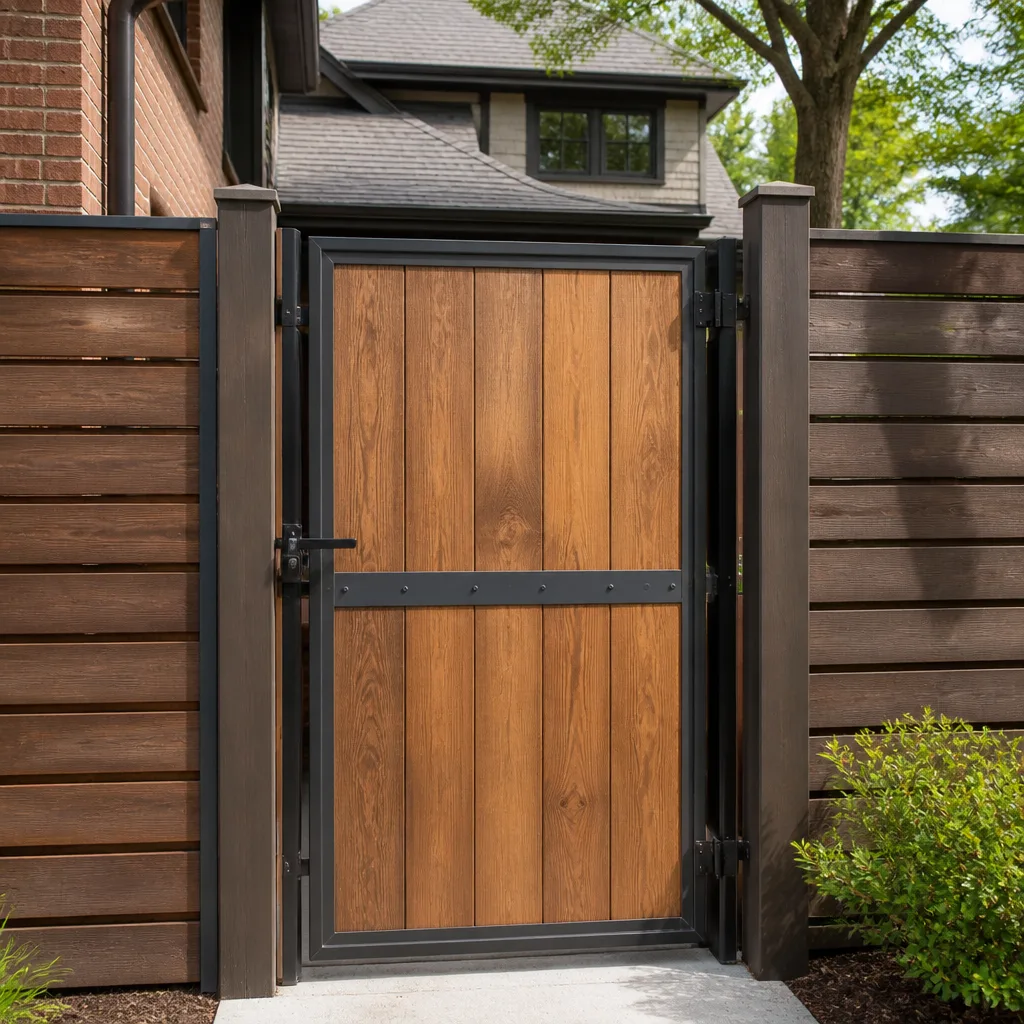 Wood & steel frame
 Farm & ranch
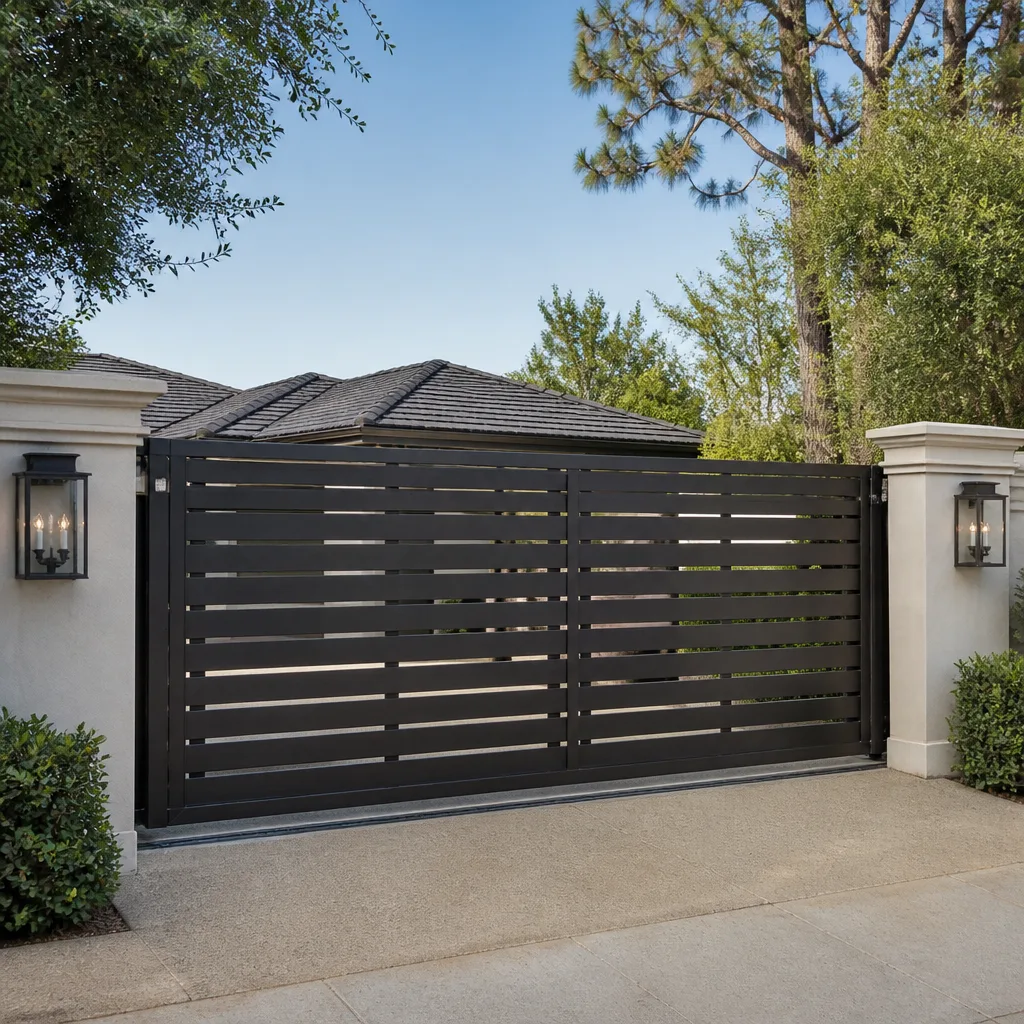 Sliding driveway gates
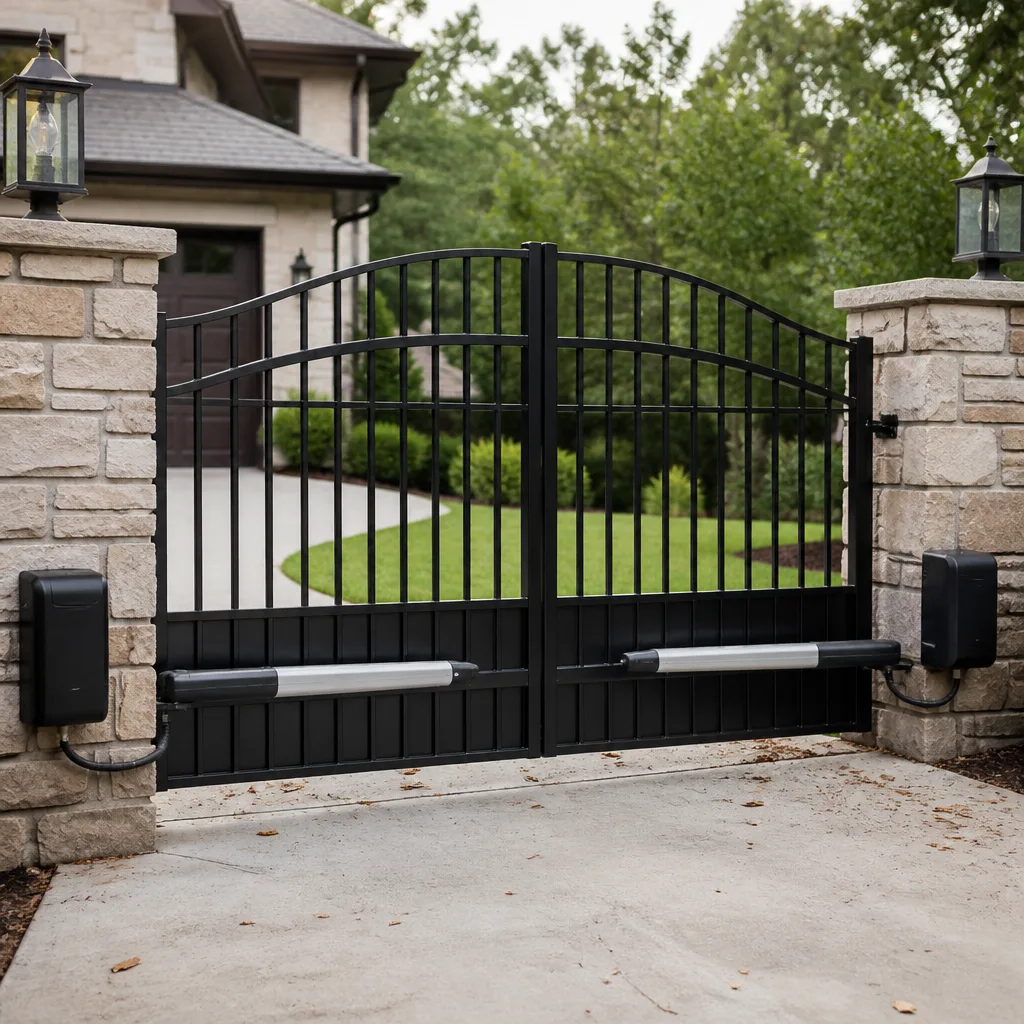 LiftMaster operators
Free on-site gate assessment - hinges, posts, and your LiftMaster or Nice gate operator checked before anything is quoted
The assessment is free and the quote is the invoice.
Get your free estimateDIY vs Professional Gate Access Control: What’s Safe to Do Yourself
A homeowner who can rewire a ceiling fan has no business touching a gate operator’s control board. Not because it’s too hard, but because a miswired safety loop can trap a car or a person, and the fault lands squarely on whoever touched it last. Here’s the line nobody tells you about: in Nevada, it isn’t drawn by how handy you are. It’s drawn by voltage and liability. We’re going to walk through what’s genuinely safe to do yourself, what’s a fast way to get hurt or sued, and what a real gate access control job should leave in your hands when it’s done. We do this work every week in Paradise, and we’ve cleaned up enough of these to know the difference.
Quick Answer
Safe DIY gate access control work stops at the low-voltage side: cleaning reader faces, swapping remote batteries, and clearing debris from photo-eyes and safety sensors. Anything on the 120-volt line side – the control board, transformer, operator wiring, or loop connections – belongs to a licensed professional. Programming errors are sneakier than wiring errors because a gate with a bad auto-close timer looks like it’s working fine right up until it isn’t.
Styles & brands we work with
- Wrought iron
- Wood & steel frame
- Farm & ranch
- Sliding driveway gates
- LiftMaster operators
Table of Contents
- Where DIY Stops: The Voltage Threshold Most Homeowners Never Hear About
- The DIY Tasks That Are Genuinely Safe (and Worth Doing)
- Why a Programming Error Is More Dangerous Than a Wiring Error
- The Liability Question: Who Owns the Fault?
- What Documentation You Should Demand After Control Board or Loop Work
- Cleaning Up DIY Jobs in Paradise Neighborhoods
- When a Gate Repair Call Is the Only Right Move
Where DIY Stops: The Voltage Threshold Most Homeowners Never Hear About
Your gate operator runs two lives at once. The control side – keypads, remotes, readers, safety edges, loop detectors – lives at low voltage, usually 12 to 24 volts DC, and it’s genuinely approachable for a careful homeowner. The power side runs on 120-volt house current, stepped through a transformer inside the operator housing. That’s the same voltage as the outlet behind your kitchen counter, and it’s where things get serious.
Most residential gate operators we service in Paradise are wired to their own circuit, often with a disconnect at the post. The operator housing holds a transformer, a control board, and the terminal strip where line and low-voltage wiring meet – sometimes within inches of each other. Cross a wire on that strip and you can fry a $300 board, or worse.
Here’s what the code side looks like in practice. Nevada follows the National Electrical Code, and gate operators fall under Article 430 for motors and the low-voltage provisions for control circuits. The NEC does not care whether you own the house. If you touch line-voltage wiring, you’re doing electrical work, and electrical work in a permitted, insured context is a licensed trade.
- 12-24V DC control side: readers, keypads, remotes, safety edges, loop detector outputs – approachable for a careful homeowner.
- 120V line side: the operator’s power feed, transformer primary, board input terminals – licensed work only.
- Buried loop wiring: low voltage on paper, high liability in practice – a bad splice can slice a loop and disable your safety reverse entirely.
That last one catches people. The loop wire itself is low voltage, so it looks like fair game. But it’s the physical thing that tells the operator “there’s a car here, don’t close on it.” Cut it wrong, and the gate doesn’t know. We’ve seen that exact failure on a property near the Paradise border where the homeowner spliced in a loop repair from a hardware store kit. The gate worked fine for three days, then closed on the back of a parked truck and bent the operator arm. If you want the fuller picture on how a motor actually decides to open or close, our gate motor and opener guide walks through the sequence.
The DIY Tasks That Are Genuinely Safe (and Worth Doing)
Not everything requires a professional visit, and we say that plainly. There’s a list of maintenance tasks that save you a callout and cost you ten minutes. If the gate is working but sluggish, or the keypad sometimes doesn’t read, try these first before you pick up the phone.
- Clean the keypad or card reader face. Dust, spider webbing, and the fine grit that blows across Paradise in spring all coat the reader and degrade its signal. A microfiber cloth and a little isopropyl alcohol on a cotton swab gets most readers back to reading on the first press.
- Replace remote batteries. A remote that “sometimes works” is usually a dying coin cell, not a bad receiver. Swap the battery, then hold the button for two seconds instead of a quick tap – a lot of remotes on Linear and LiftMaster receivers need a longer press to transmit the full code.
- Clear debris from photo-eyes and safety edges. The photo-eye pair on either side of the opening is what prevents a closing gate from injuring a person or a pet. Weed growth, blown leaves, a stray piece of landscape rock – all of it can block the beam. Wipe the lens, clear the path, and watch the gate reverse when you wave your hand through the beam. If it doesn’t reverse, stop and call.
- Check the battery backup light. Many operators have a status LED that flashes a specific pattern when the backup battery is failing. A dead backup in a power outage leaves the gate stuck open – a security issue nobody thinks about until the lights go out.
- Inspect the gate track or hinge path. If the gate drags, the operator works harder. Sweeping the runway and clearing gravel keeps a $500 motor from becoming a $900 replacement.
Every one of those five tasks is safe on its own. They also happen to be the five things a technician checks first on a service call, which tells you something about how often a “broken” gate is really just a dirty reader or a dead remote battery.
Why a Programming Error Is More Dangerous Than a Wiring Error
Wiring errors announce themselves. The gate stops working, the breaker trips, the operator doesn’t respond. You know you have a problem, and you stop.
Programming errors are the opposite. We’ve walked into Paradise properties where the gate was opening and closing flawlessly – smooth, quiet, on time – and it was a genuine hazard. The auto-close timer was set to 4 seconds instead of the 20 to 30 seconds that the safety standard calls for. Four seconds is barely enough time for a person walking at full speed to clear the swing. A slower walker, a kid on a bike, someone with a walker – none of them make it. And the gate looks perfect.
That particular setting lives in the operator’s programming menu, and it’s one of the simplest things to change. A homeowner who reads the manual can get into the menu and adjust it. That’s exactly why we flag it as one of the riskiest DIY moves on the list, because the gate passes every visual test the homeowner can think of and fails the one test that matters.
Other programming errors that look fine until they don’t:
- Auto-close too short: the timer closes the gate before a slow walker is clear of the swing path.
- Safety reverse disabled: the gate hits an obstruction and keeps pushing. Common on older BFT operators where a homeowner turned off the reverse to “make it close faster.”
- One remote programmed to operator 1 when it should be operator 2: happens on multi-gate properties. Looks like a bad remote, isn’t.
- Loop or photo-eye detection set to “hold-open” instead of “reverse”: the gate stops on approach and never closes. Looks like a stuck motor. Isn’t.
- Wireless keypad code shared or duplicated: anyone with the code gets in. This one has security implications that aren’t obvious until something happens.
If you’re going to touch programming, do it with the operator manual open and the gate in a position where a mistake is harmless – which is often impossible to arrange on a gate that swings into a driveway. That’s why the programming menu is where we most often find the mistakes that non-specialists leave behind. If you want to understand the mechanical half of the system before you touch the electronic half, our gate repair in Paradise guide breaks the operator and mechanics down.
The Liability Question: Who Owns the Fault?
This is the part nobody wants to talk about at the hardware store counter.
When a gate closes on a delivery truck and dents the hood, the driver’s insurance company will want to know why the safety reverse didn’t work. When a grandchild gets caught in a closing gate, the question becomes much bigger. In either case, the trail leads to the last person who touched the system. If that’s you, it’s you.
Homeowner’s insurance usually defends you for a covered loss on your own property. It does not automatically cover you if a visitor is injured by a gate you altered in a way that violated the manufacturer’s installation standard or the safety-relevant provisions of ASTM F2200 (the standard covering automated gate construction) and UL 325 (the standard covering entrapment protection). Those are the two documents the manufacturer of your LiftMaster or FAAC operator built the unit to comply with. Change the configuration in a way that defeats those protections, and you’ve created a liability that wasn’t there before.
For a professionally installed and serviced system, the chain of responsibility runs to the licensed professional who performed the work. That’s part of what you’re buying. The other part is the paper trail that proves it was done to standard. If you’re not sure what standard your gate was installed to, this is exactly the kind of conversation to have before you touch anything. Our page on gate installation in Paradise covers what standard-compliant installation looks like.
What Documentation You Should Demand After Control Board or Loop Work
Any professional who touches your operator’s control board, its power side, or the buried loop should hand you paper. Not a text message. Not a verbal “all done.” A written record you keep in a folder. Here’s what belongs in it:
- What was replaced and what wasn’t. Model and serial number of any new part, and a note saying “existing board retained” if that’s what happened. No swapping good parts for new ones – if the part was good, it should be documented that it stayed.
- What settings were changed. Auto-close timer, obstruction sensitivity, safety reverse mode. If the professional changed a setting, they should tell you the old value and the new value.
- Safety reverse test result. A simple written line: “Tested photo-eye reverse at obstruction x – gate reversed correctly.” That’s the single most important line on the page.
- Wiring notes. Line voltage to operator, low voltage to controls, loop continuity, ground wire. Even a short paragraph is enough to prove the wiring was checked and not assumed.
- A written guarantee. At Gatewood, every job carries the 90-Day Done Right Promise in writing on the invoice – if it’s not done right, one call brings us back, no runaround. Anything you pay for should come with something comparable.
If a professional won’t hand you that page, that’s information. We’re a repair-first shop – we weld on site, we fix what other companies want to replace, and we still put it in writing every time. The 90-Day promise isn’t a marketing line to us. It’s on the paper because we mean it.
Cleaning Up DIY Jobs in Paradise Neighborhoods
We could tell you the theory all day. The cleaner way to make the point is to describe what we find when we get called out to a Paradise property where a homeowner tried the access control work themselves.
One recent call was a gate near Paradise Park that wouldn’t close reliably. The homeowner had replaced the keypad a month earlier and everything worked fine for a while. What we found: the new keypad was wired to the wrong terminal on the operator board. It powered up and read codes correctly, so the keypad “worked” – but it was backfeeding the safety reverse input, which meant the gate refused to close whenever the keypad held a valid session. The fix was moving one wire. The lesson was that “the keypad works” and “the operator works” are not the same test, and the board layout on a LiftMaster operator is not obvious from the printed diagram.
Another was a swing gate on the east side of Paradise where the homeowner had adjusted the auto-close timer to “make the gate shut faster after visitors.” The timer was set to 4 seconds. We measured it, we reset it to a compliant interval, we tested reverse with a 4×4 block, we printed the number on the invoice. When we left, the gate closed in the same amount of time from the driver’s seat. It just gave people on foot enough time to clear the swing. What we’ve learned across hundreds of these calls: the homeowner usually wasn’t careless. They were working from a YouTube video that skipped the part about the safety standard.
And a third we’ll mention because it’s so common it’s almost a category: a gate near the Paradise community center where a homeowner patched a cut loop with a wire nut buried under gravel. It worked until it didn’t, and when it didn’t, the safety reverse was completely dead. We dug out the splice, soldered the loop properly, sealed it, and retested the photo-eye and the loop as a pair. The loop is a low-voltage part, but that doesn’t change what happens if it fails.
When a Gate Repair Call Is the Only Right Move
Some things are worth trying yourself first. Others aren’t worth the risk, and we’ll say so plainly.
Call a professional when the issue is on the 120-volt side, when the gate has ever failed to reverse on an obstruction, when you’re working on buried loop wiring, when the programming menu isn’t behaving the way the manual says it should, when the operator is more than a decade old and parts aren’t obvious, or when the gate closes on anyone – even once.
Gatewood Fence & Gate Paradise offers free estimates in Paradise – call (888) 292-7536 and a live person picks up around the clock. No voicemail, no queue. If you’re not sure whether your issue is a five-minute fix or a service call, ask. We’ll tell you. If you’re outside what we can fix on site, we’ll send you off in the right direction. Our Paradise gate repair page has the full list of what we handle, and the Gatewood Fence & Gate home page explains how we work.
Frequently Asked Questions
No, not if it involves resetting anything on the line-voltage side. A factory reset on the operator’s programming menu is safe if the manual spells it out and you’re only returning settings to defaults, but touching the terminal strip where line and low voltage meet is not. The risk is electric shock and a fried board. Call a professional and let them test the operator after the reset – we test reverse as part of every service call.
Yes, in most cases. Adding a new remote to a LiftMaster or Linear receiver is a homeowner-safe task, as is changing a keypad code. The manual tells you which buttons to press and in what order. What’s not safe is programming the operator’s safety settings without understanding what they do. If you’re reading “auto-close timer” and not sure what the right value is, stop and call. Our repair team in Paradise handles the safety-side programming on every callout.
Residential gate operator controls – readers, keypads, remotes, photo-eyes, loop detectors – typically run on 12 to 24 volts DC, which is a touch-safe voltage. The operator itself is fed by 120-volt house current, which is not touch-safe and is regulated as electrical work. The line-voltage side is where DIY stops being legal and safe. That’s the threshold most homeowners don’t know about, and it’s the one we care about most.
Your standard homeowner’s policy usually defends you for a covered loss on your own property, but it doesn’t automatically cover you if a visitor is hurt by a gate you altered in a way that defeated the operator’s safety protections. Those protections come from the manufacturer’s ASTM F2200 and UL 325 compliance. Documented professional work keeps that chain clean. If you’re at all unsure, get the work done professionally and keep the paperwork.
With the gate fully open and in motion toward the closed position, wave your hand through the photo-eye beam and watch for reversal. Then place a solid object like a 4×4 block in the gate’s path and let the gate contact it – a properly functioning gate reverses on contact. If it doesn’t, stop using the gate and call us. This is the single most important safety test and it takes 30 seconds. We do it on every service call in Paradise.
Yes. We’re certified on nine major gate brands including LiftMaster, FAAC, BFT, Linear, Viking, Ghost Controls, DoorKing, Elite, and Mighty Mule, and we regularly clean up work that didn’t hold. We’re a repair-first shop, so we don’t swap out entire systems to fix a programming error or a single miswired terminal. Call (888) 292-7536 for a free estimate – a live person answers, and we’ll tell you straight what the job actually needs.
See the difference
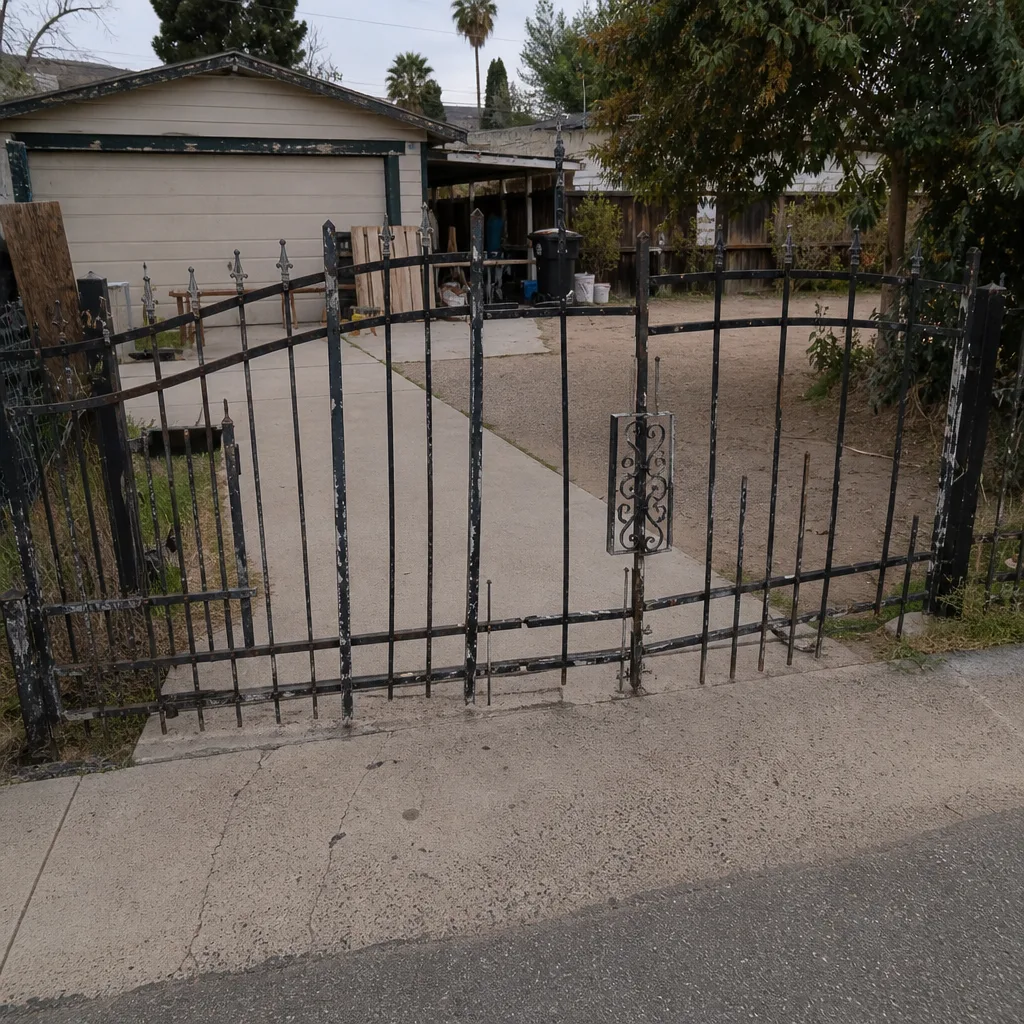 Before
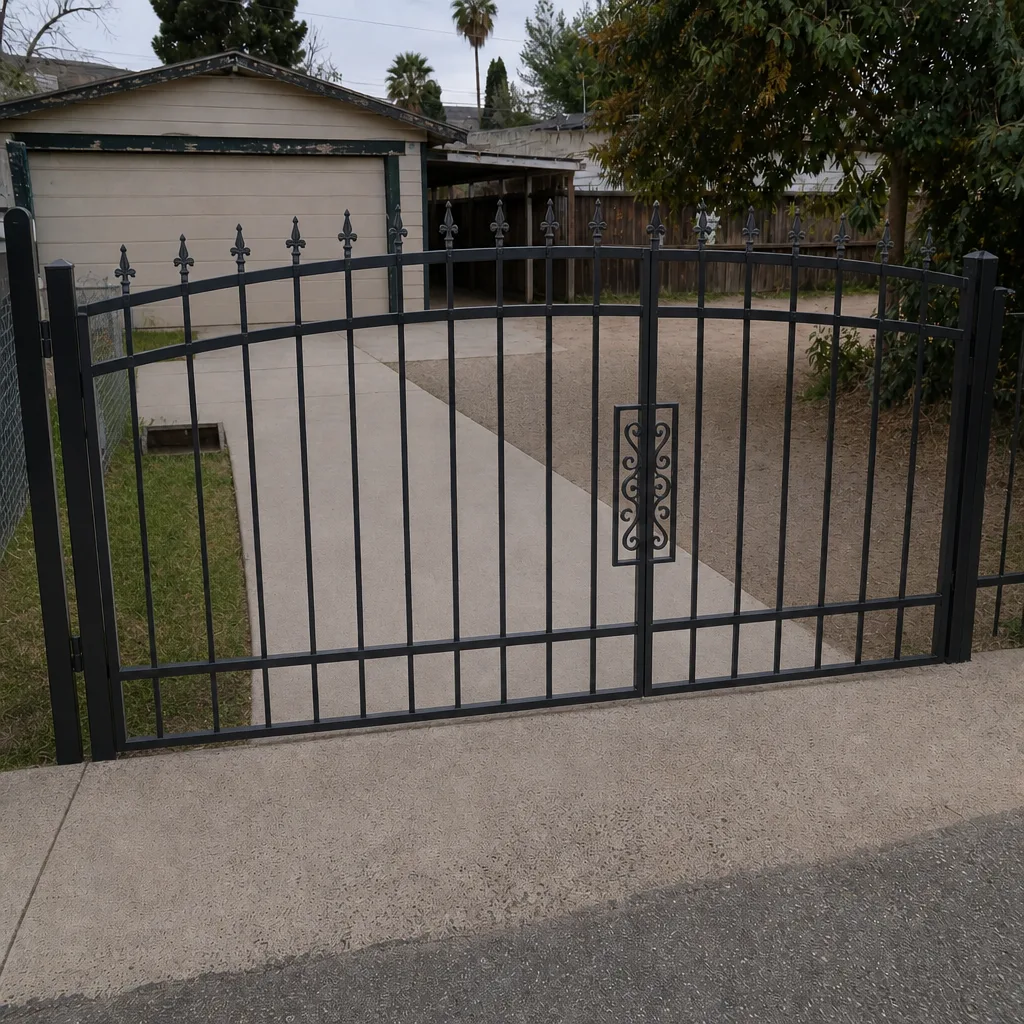 After
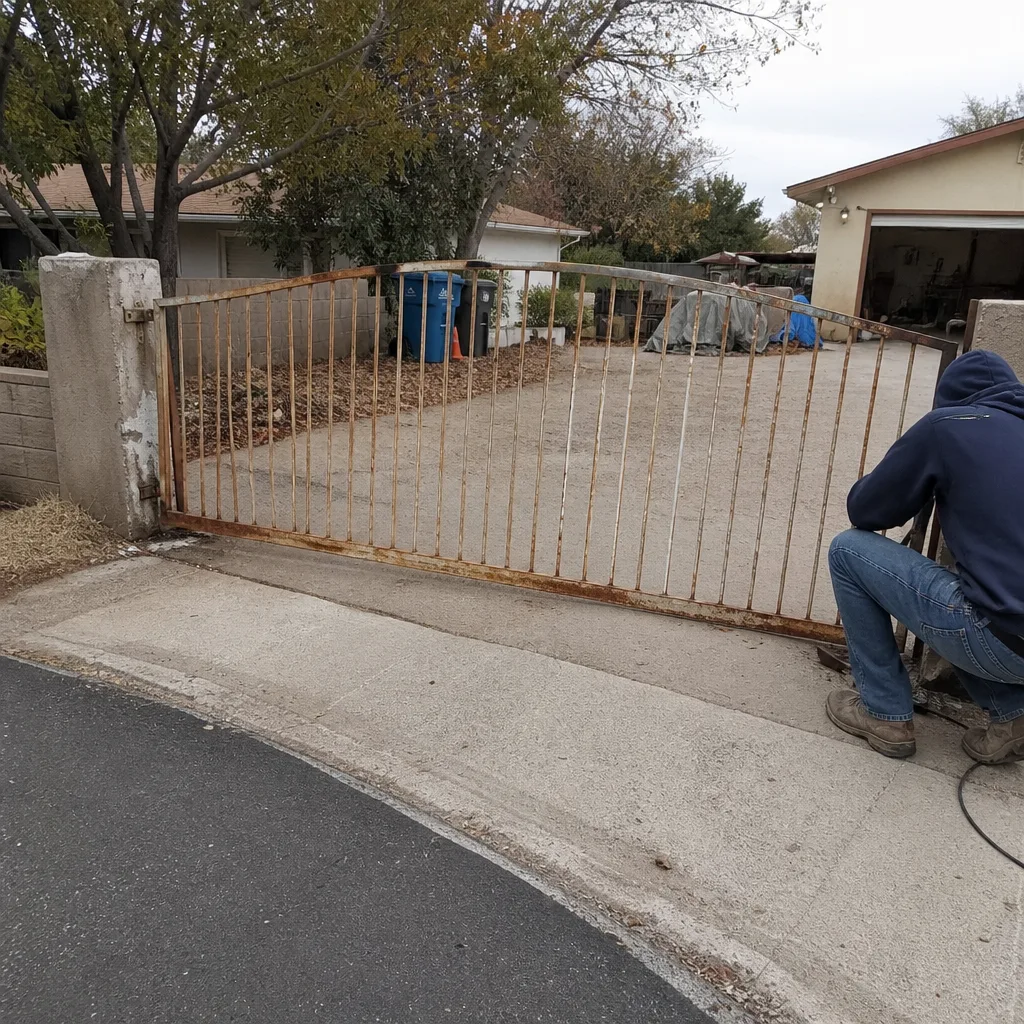 Before
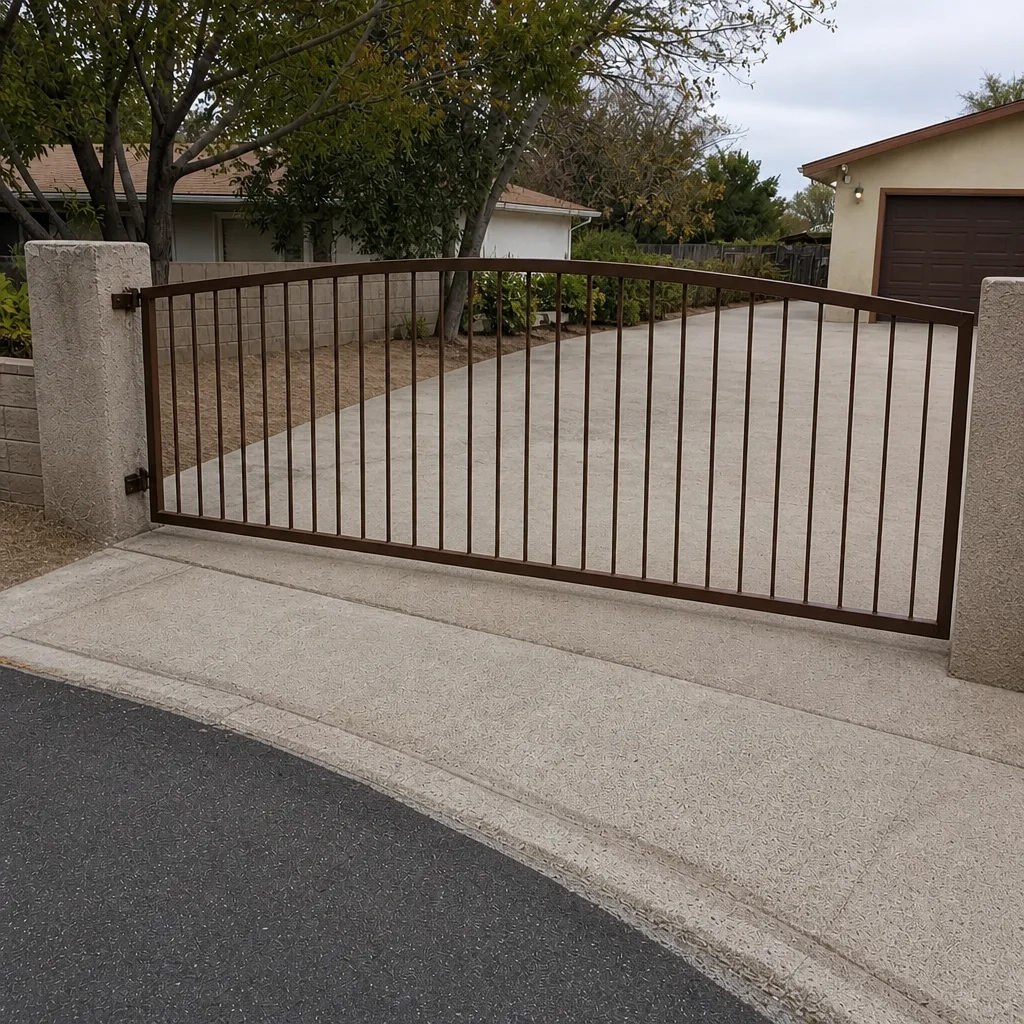 After
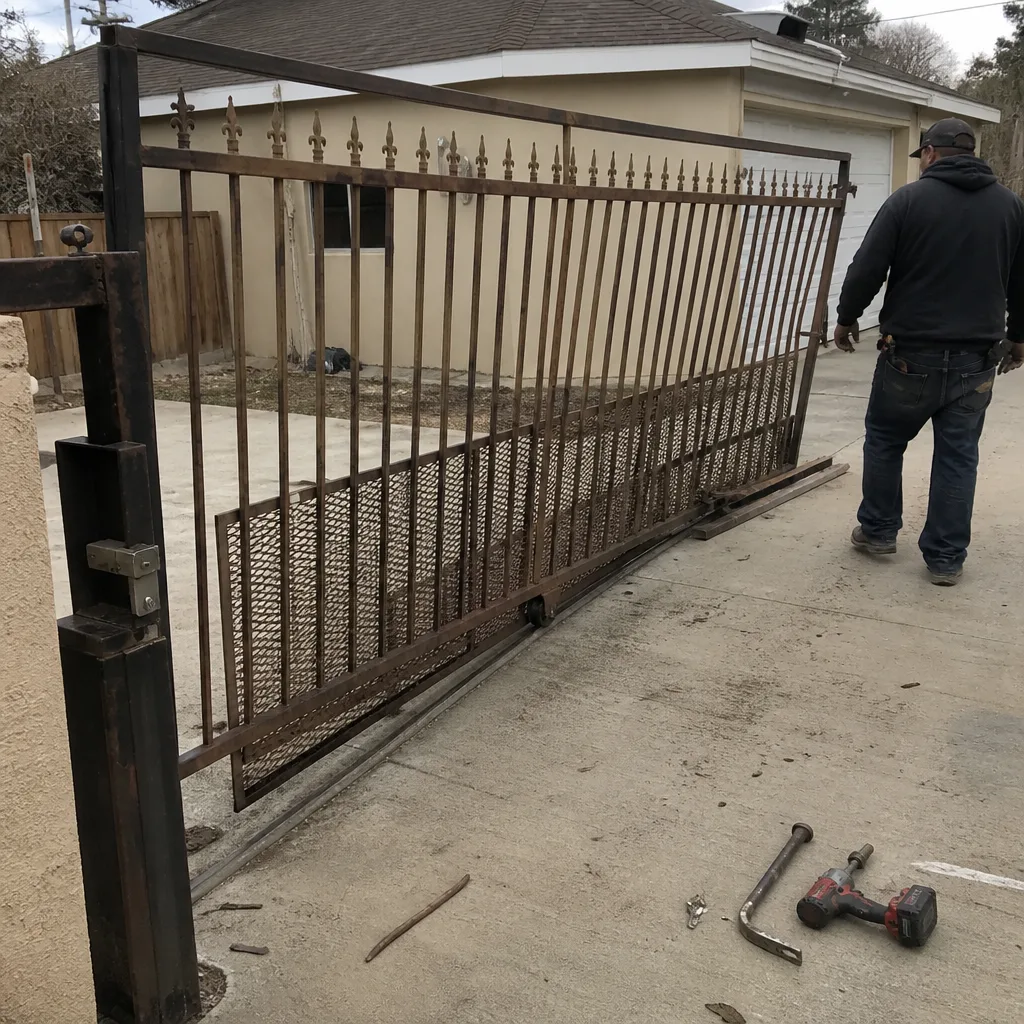 Before
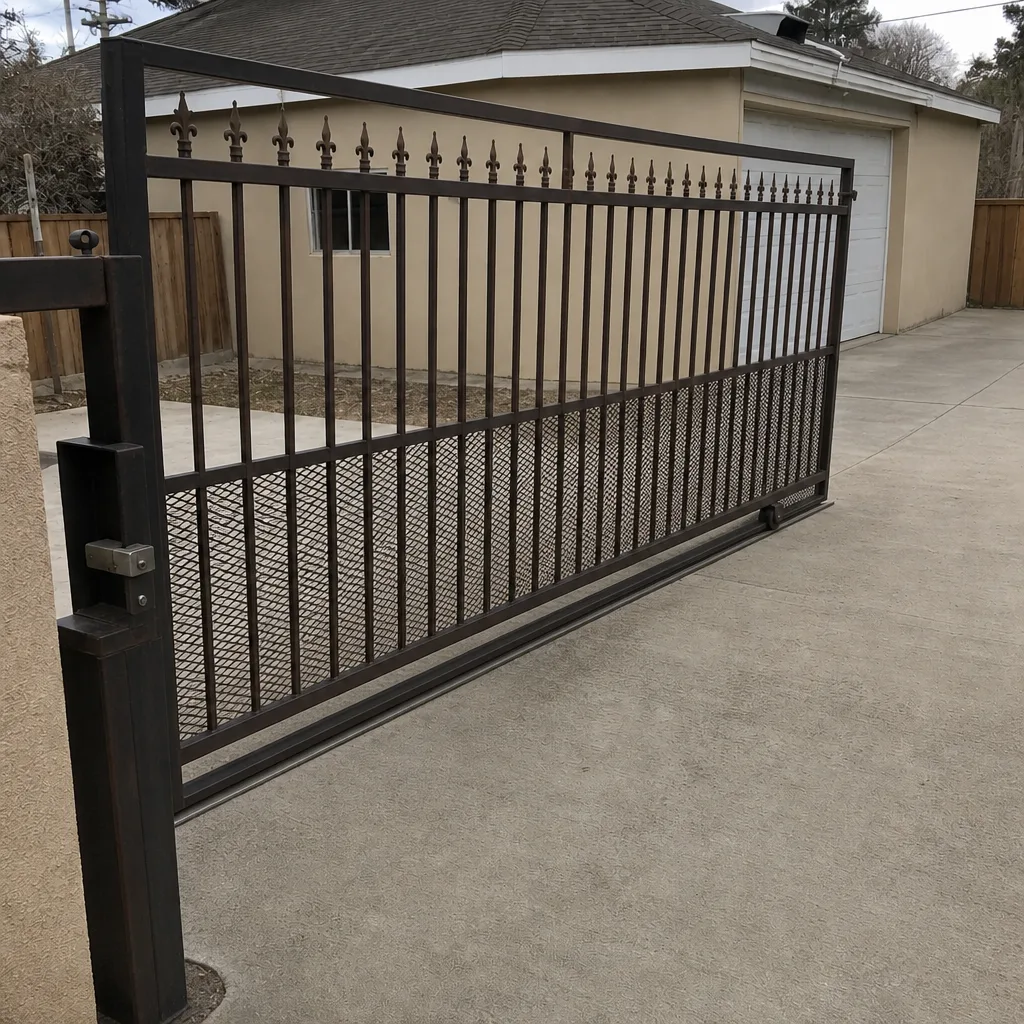 After
Common Mistakes to Avoid
- Touching the line-voltage terminal strip. The transformer and input terminals inside the operator housing carry house current. Even with the operator’s own disconnect off, the feed from the breaker is live. There’s no safe version of this without the right training and tools.
- Adjusting the auto-close timer to “feel faster.” A short auto-close is the most common programming hazard we see in Paradise. The gate looks fine; the window for a slow walker is not. Leave the timer at a compliant value and call us if you aren’t sure what that is.
- Burying a loop-wire splice under gravel. A wire nut in the dirt isn’t a repair, even at low voltage. Splices belong soldered and sealed, with the repair visible in your documentation. The safety reverse depends on that loop.
- Turning off safety reverse because the gate “keeps stopping.” It’s stopping because something is in the path or the beam is blocked. Disabling the reverse is the single most dangerous thing a homeowner can do to a gate. Call us instead.
- Swapping a control board to chase a symptom. A dead keypad isn’t a dead board. A gate that opens but won’t close isn’t usually a board either. We do on-site diagnostics on LiftMaster and FAAC systems in Paradise so the board gets swapped only if it’s actually bad.
- Using a keypad code borrowed from a neighbor or the internet. Shared codes defeat the security purpose of access control and often include hidden “master” codes that open the gate without warning. Change any code that came with the property before you use the gate.
- Accepting a job without paper. If nobody hands you a written record of what was tested and what was replaced, you can’t prove the safety reverse works on the day the work was done. Ask for it, no matter who did the job.
When to Call a Professional
Call when the gate has ever failed to reverse on an obstruction, when you’re working anywhere on the 120-volt side, when you’re splicing, replacing, or diagnosing a buried loop, when the operator’s programming menu is involved beyond codes and remote pairing, when the gate is more than ten years old and parts aren’t obvious, and any time the gate has come into contact with a person, a pet, or a vehicle. Those aren’t judgment calls. Those are “stop and call” moments.
Gatewood Fence & Gate Paradise offers free estimates in Paradise – call (888) 292-7536 and a live person answers around the clock. We’re owner-operated, our name is on the shop, and our technicians are background-checked and certified across nine major gate brands. If you’re not sure whether your gate problem is a five-minute fix or a full service call, that’s exactly the call to make. Our gate motor and opener service page covers operator diagnostics in detail, and the installation page is worth a look if the operator itself is nearing end of life.
The Bottom Line
The line between safe DIY and “call somebody” on gate access control isn’t drawn by tool skill. It’s drawn by voltage and liability. Low-voltage things – reader faces, remote batteries, photo-eye lenses, code changes – are fair game and worth doing. The 120-volt side, the buried loop, and the safety programming are not. A misconfigured auto-close or a disabled safety reverse looks like a working gate and isn’t, and if something goes wrong the last person who touched it owns the fault. If you’re standing at your operator with the housing open and the manual in hand, and it’s on the line-voltage side, close it up and call. Our team answers 24 hours a day, and estimates are free. That’s the safest sentence in this whole guide.
Written by the team at Gatewood Fence & Gate Paradise.