
Last updated November 18, 2026
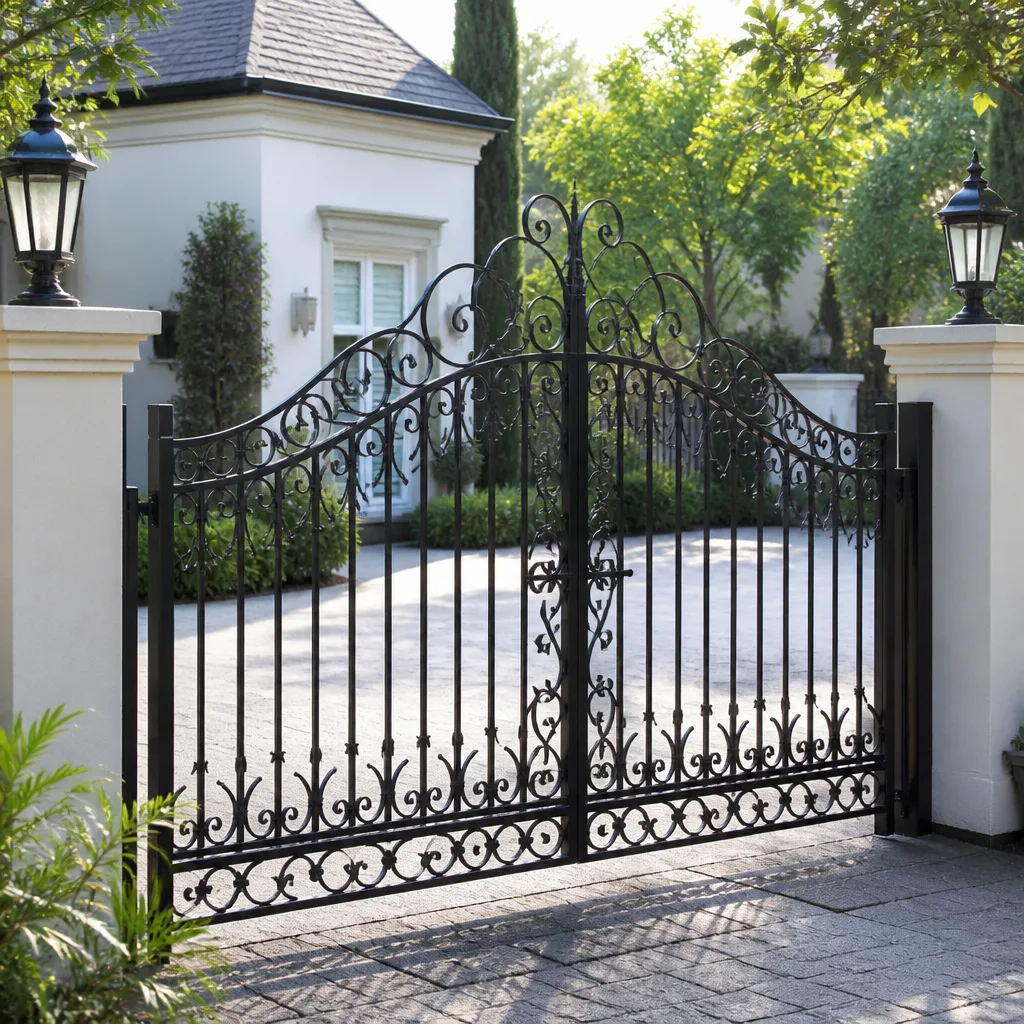 Wrought iron
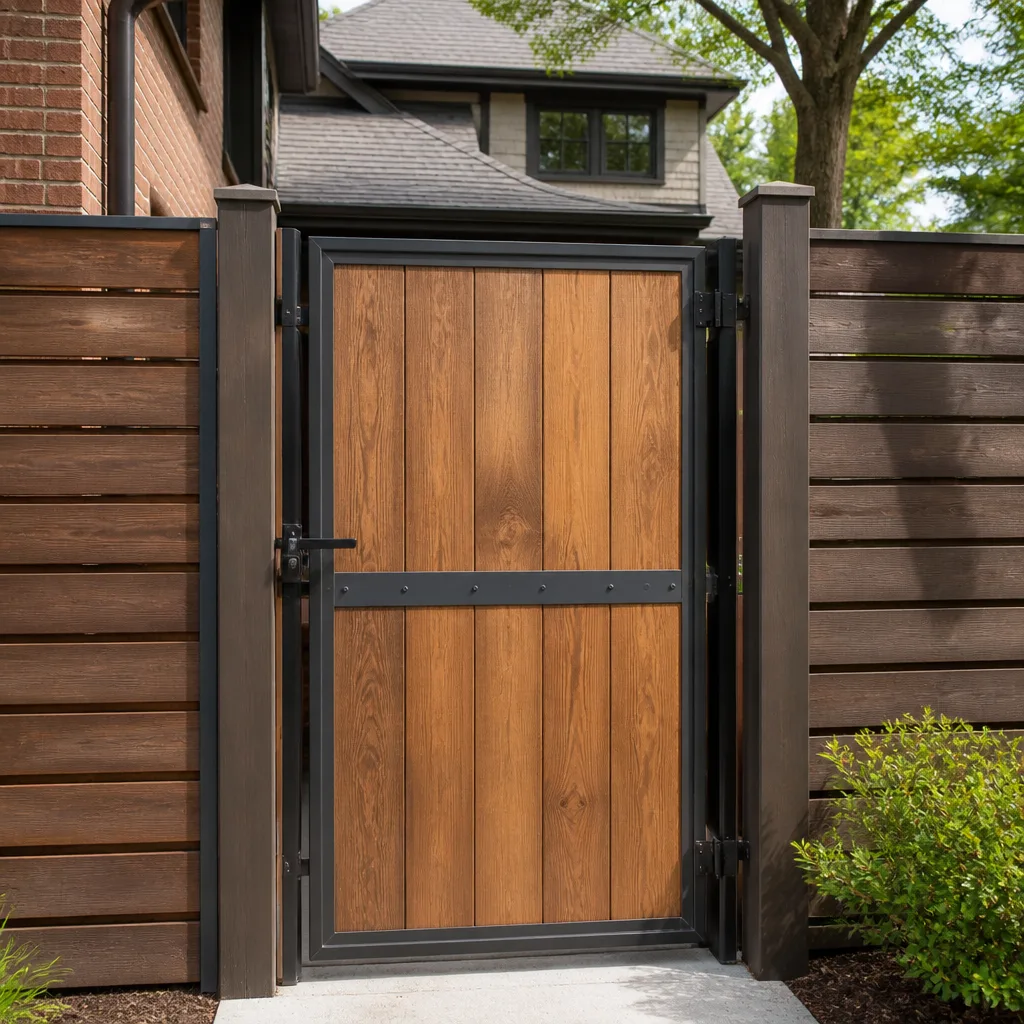 Wood & steel frame
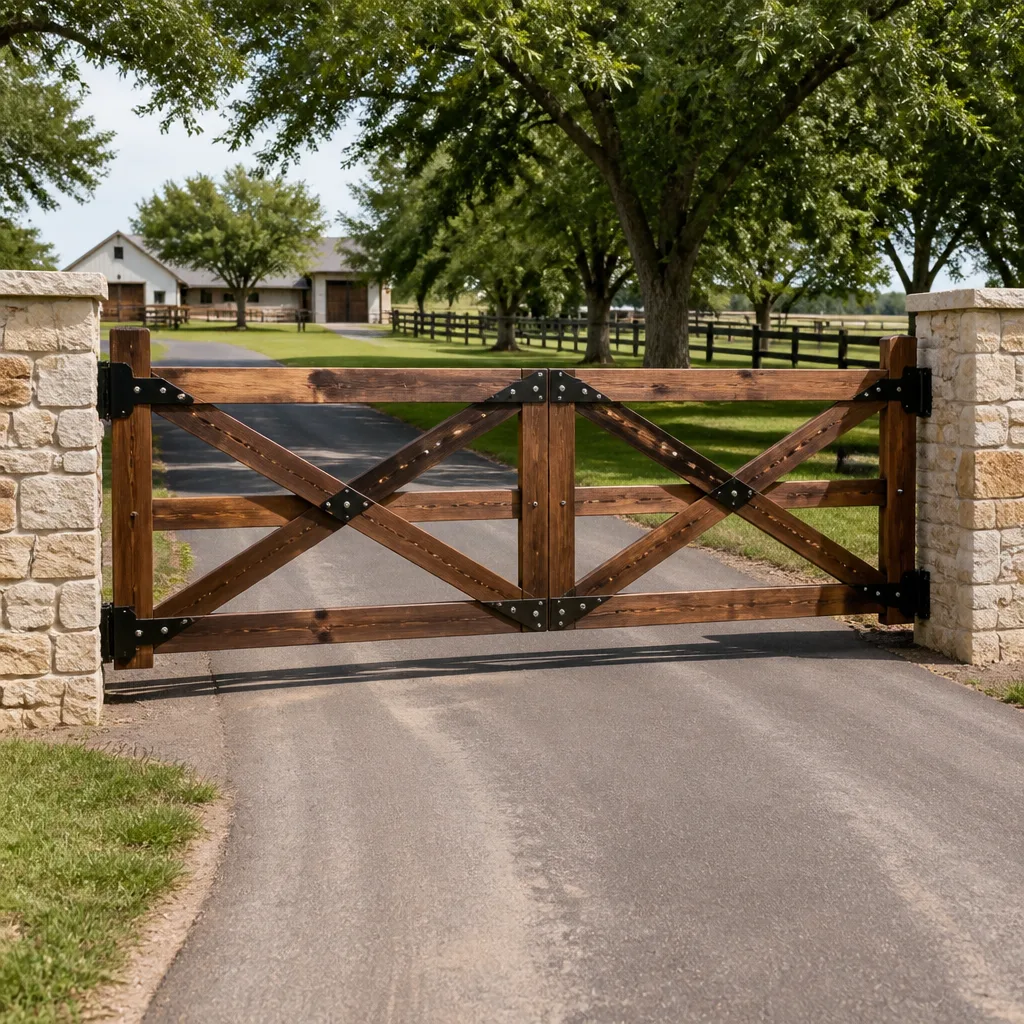 Farm & ranch
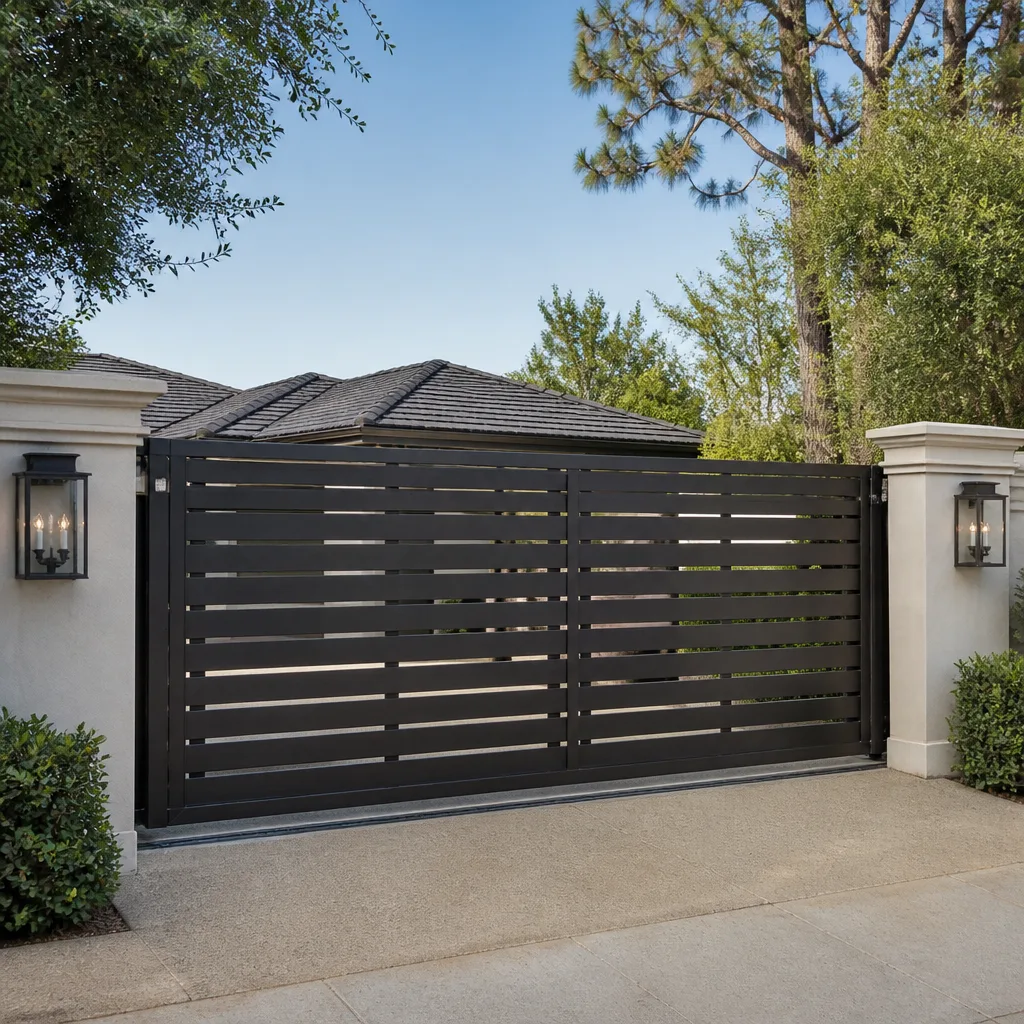 Sliding driveway gates
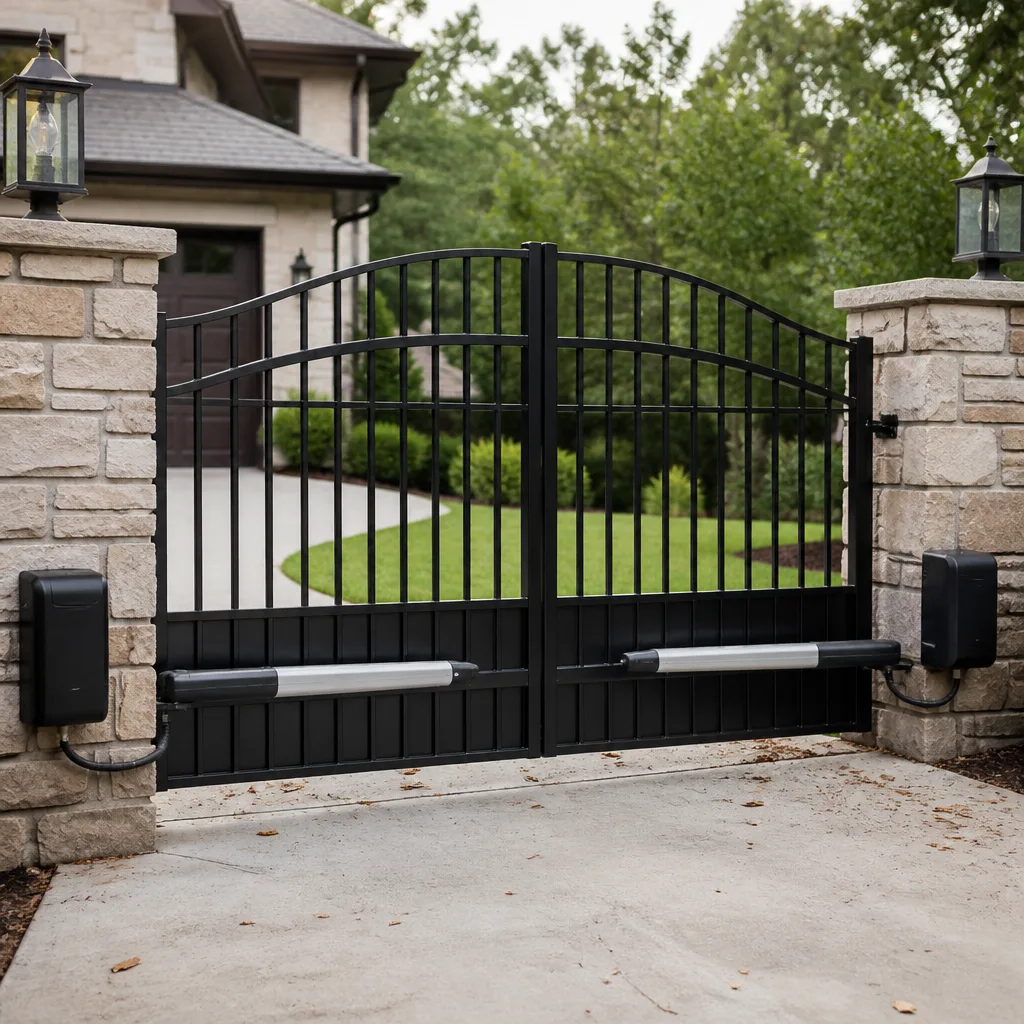 LiftMaster operators
Free on-site gate assessment - hinges, posts, and your LiftMaster or Nice gate operator checked before anything is quoted
The assessment is free and the quote is the invoice.
Get your free estimateThe Complete Gate Access Control Guide for Paradise Homeowners
We’ve watched a homeowner spend twelve hundred dollars on a smart gate system only to discover their HOA requires a specific key-switch override the new equipment couldn’t handle. That conversation should have happened before the install, not after, and the access control industry rarely volunteers it. In Paradise, the stakes are a little higher than most places: sun that bakes keypads to a crisp, cell signal that comes and goes depending on which side of the wash your driveway sits on, and HOA rules that vary block by block. This guide covers the whole picture – the options, the hidden costs, the local rules, and the wiring you should spec now so a five-year upgrade doesn’t mean tearing out your entrance.
Quick Answer
Gate access control in Paradise comes down to three decisions: how visitors get in (keypad, app, clicker, intercom), how the system talks to the outside world (cellular versus your home Wi-Fi), and what your HOA and Clark County require for emergency access. Pick the entry method that fits your household, assume Wi-Fi won’t reach the gate, and verify the HOA override requirement before you buy anything. Get those three right and the equipment choice is easy.
Styles & brands we work with
- Wrought iron
- Wood & steel frame
- Farm & ranch
- Sliding driveway gates
- LiftMaster operators
Table of Contents
- Access Control Options by Household Type
- HOA and Clark County Requirements You Need to Know
- Cellular vs. Wi-Fi Reliability at Paradise Gate Locations
- The Real Ongoing Costs Nobody Quotes You
- How to Future-Proof Your Installation
- A Step-by-Step Access Control Planning Checklist
- Common Mistakes to Avoid
- Frequently Asked Questions
Access Control Options by Household Type
The right system depends less on budget than on who actually drives up to your gate in a given week. We’ve installed enough entrances around Paradise to know that a quiet single-family property and a short-term rental are two completely different animals. Here’s how we break it down.
Single-family home with few visitors
You come and go, maybe a gardener and a pool guy. A keypad plus two clickers is usually all you need, and it’s the most durable option in Paradise’s heat because there’s nothing to fail except the battery in the remote. Brand choices like Elite or LiftMaster make this simple and serviceable. Skip the cloud subscription – you’re paying monthly for a feature you’ll never use.
Property with regular deliveries and service people
Amazon, FedEx, landscapers, the pest control guy on the third Tuesday. This is where a keypad with multiple user codes earns its keep: give each person a code, revoke it when they leave, and never hand out a clicker again. An intercom or a camera-enabled unit helps you see who’s there before you buzz them in. This is the household where a wired keypad plus a simple app beats a fully cloud-dependent system, because you want it working when the internet hiccups.
Short-term rental or guest property
Guests change weekly and nobody wants to drive out to reprogram a keypad. Cellular access control shines here: you issue a temporary code from your phone, it expires on checkout day, and you never touch the gate. The trade-off is a monthly cellular fee and a dependency on signal at the gate. For a rental in Paradise, that trade is usually worth it. Just confirm signal strength at the gate location before committing.
HOA and Clark County Requirements You Need to Know
This is where that twelve-hundred-dollar mistake happens. Many Paradise HOAs and gated communities require a specific emergency access method – often a key-switch override, a Knox-style box, or a fire-department-compatible switch – so emergency crews can get in without waiting for a homeowner to answer. Smart systems that rely entirely on an app or a cloud connection don’t always accommodate an override, and you find that out at inspection.
Clark County fire and emergency access rules generally want reliable, non-network-dependent entry for first responders. In plain terms: if the power’s out or the internet’s down, the gate still has to open for a fire truck. That means any system you install needs a manual or keyed override that a human can operate without a phone. Here’s what to check before you buy:
- Ask your HOA in writing whether a key-switch or Knox box is required at your entrance.
- Confirm the override works when the gate operator has no power (battery backup or manual release).
- Check whether your community requires a specific vendor or device type for emergency access.
- Get the fire-access requirement in writing before the install, not after the inspection.
A good installer will ask these questions for you, but you shouldn’t rely on that. We’ve seen homeowners handed a system their own HOA then rejected, and the fix cost more than the original unit. Confirm the requirement first. If you want the gate hardware itself sorted before you touch access control, our Gate Repair in Paradise page covers the mechanical side.
Cellular vs. Wi-Fi Reliability at Paradise Gate Locations
Here’s the thing most vendors won’t tell you: your gate is often forty to a hundred feet from your house, sometimes more, and Wi-Fi doesn’t travel through stucco, block walls, and a metal gate frame well. A system that depends on your home Wi-Fi is really a system that depends on a connection the manufacturer never tested at your actual gate location. In Paradise, we’ve seen this bite homeowners in the foothill stretches where the terrain and distance from the nearest tower make signal genuinely spotty.
Cellular-based access control sidesteps the Wi-Fi range problem, but it introduces its own: coverage that varies by ZIP code and even by which side of a wash your driveway sits on. We’ve had properties where the signal at the house was solid but the gate was in a dead pocket. Some ZIP code stretches around the Paradise foothills and the edges of town toward the canyon are worse than others, and no map is a substitute for a signal test at the gate itself.
If you want the operator and its power source checked before you add a smart controller, our Gate Motor & Opener in Paradise page walks through how the motor side works with access control. A system is only as reliable as the operator behind it, and a tired motor will make any controller look bad.
Our rule of thumb: test actual signal strength at the gate, not at the front door. If cellular is marginal there, a wired keypad with a local database is more reliable than a cloud unit that drops offline every time the tower gets busy.
The Real Ongoing Costs Nobody Quotes You
The sticker price is never the whole story. Access control has a habit of nickel-and-diming you monthly, and those fees add up faster than the hardware ever did. Here’s what to budget for beyond the install:
- Cloud subscription fees: Many app-based systems charge monthly for remote access, guest codes, and history. Expect a recurring charge, not a one-time purchase. Some run $5 to $15 a month; luxury or multi-user plans cost more.
- Cellular plan fees: A cellular controller needs a data plan – often a few dollars to $15 a month per device, depending on the carrier and the unit.
- Battery replacement cycles: Clickers, keypads, backup batteries, and solar-charged operators all need fresh batteries. In Paradise’s summer heat, expect backup batteries to need replacing every two to four years, sometimes sooner.
- What happens if the company folds: An app-only system whose maker gets acquired or shuts down can become a brick. Ask whether the unit supports local control that survives the vendor disappearing.
We’ve seen homeowners pay for a cloud subscription for years and then discover the app was discontinued. The hardware still worked, but the “smart” part didn’t. Before you commit, ask the seller one blunt question: if your company disappears tomorrow, can I still open my gate with a keypad or a key? If the answer is no, think hard.
How to Future-Proof Your Installation
The brain box you install today will be obsolete in five to seven years. The wiring underneath it shouldn’t be. Smart installations run conduit and low-voltage wire that can carry whatever controller comes next, so a five-year upgrade means swapping one unit, not trenching your driveway again.
Here’s what to spec now:
- Run conduit from the house to the gate for low-voltage control wiring, even if you don’t need it today.
- Pull extra conductors – at least two spare pairs – so a future controller or intercom has room.
- Include a dedicated 120V power drop at the gate if code and your setup allow; it ends the battery-only headache.
- Leave a pull string in the conduit so wire can be added later without digging.
- Plan for a wired override and a manual release regardless of what controller you buy.
The cost of extra conduit during an initial install is small. The cost of opening a finished driveway in Paradise five years from now is not. When you’re ready to plan a new entrance around all this, our Gate Installation in Paradise page covers the full build, and our Gatewood Fence & Gate Paradise home page is the place to start.
A Step-by-Step Access Control Planning Checklist
Before you spend a dollar, work through these in order. Each one prevents a specific, expensive mistake.
- Define who needs in. List every person and delivery that reaches your gate in a typical week. That answers your access method.
- Pull your HOA rules in writing. Confirm any emergency-access override requirement before choosing equipment.
- Test signal at the gate. Check cellular strength and Wi-Fi reach at the actual gate location, not the house.
- Inspect the operator. A tired motor or failing hinges will sabotage any controller. Fix the mechanical side first.
- Spec the wiring and conduit. Future-proof the run now so a later upgrade is a swap, not a project.
- Get the ongoing costs in writing. Subscription and cellular fees, plus battery cycles, should be on paper.
- Confirm the local override and manual release. Make sure the gate opens without a phone or the internet.
Common Mistakes to Avoid
- Buying the app before checking the HOA. The override requirement is the single most common surprise, and it can make a brand-new unit unusable in your community.
- Trusting Wi-Fi to reach the gate. Distance, stucco, block walls, and metal frames all cut the signal. Test at the gate, not at the kitchen table.
- Skipping the signal test. A controller that works great at the door can sit in a cellular dead pocket at the driveway. Test where the unit actually lives.
- Ignoring the operator. New access control on a worn-out motor still means a gate that sticks. Fix the mechanism first.
- Forgetting the manual release. In a power outage or an emergency, the gate has to open without an app. Every Paradise install should keep that path.
- Not budgeting the subscription. Recurring fees are real money over five years; add them up before you commit.
- Buried wiring with no future plan. Missing conduit now means an expensive redo later. Plan the run even if you don’t use it yet.
See the difference
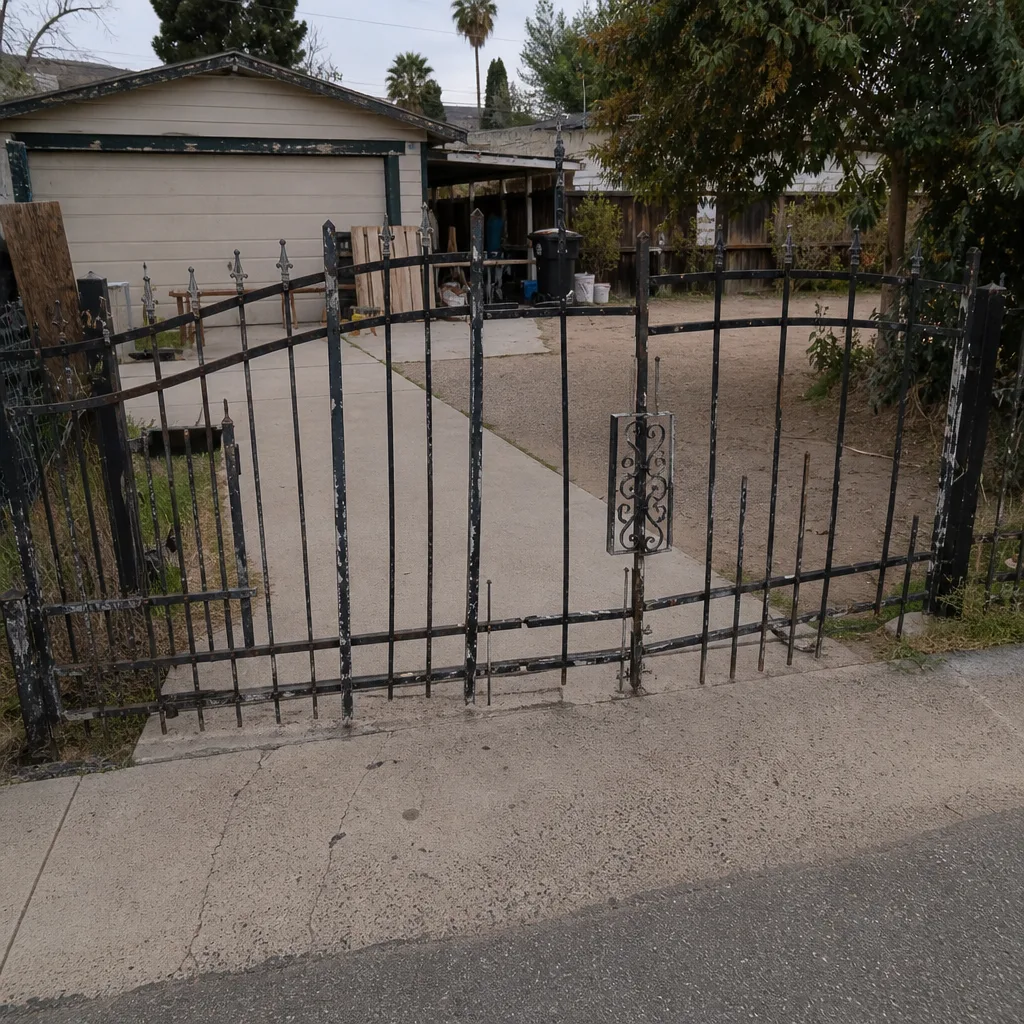 Before
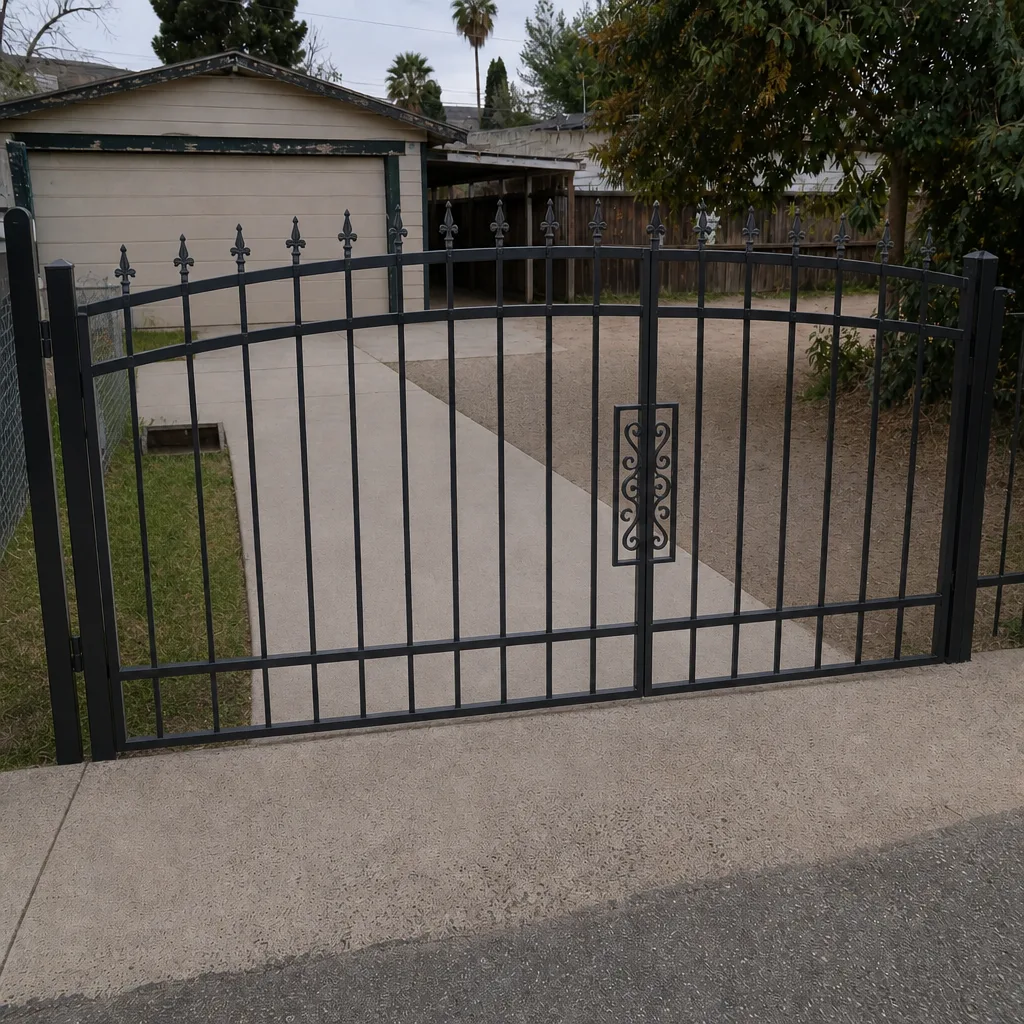 After
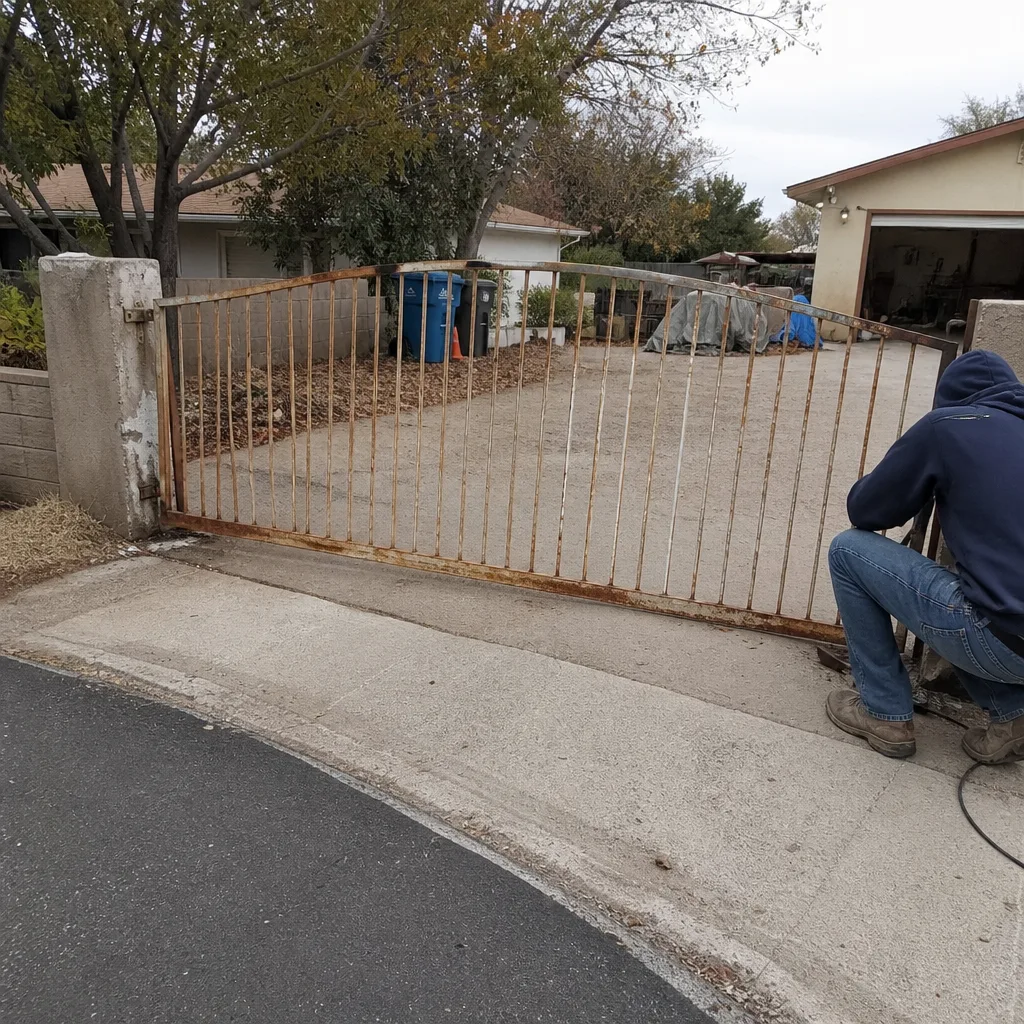 Before
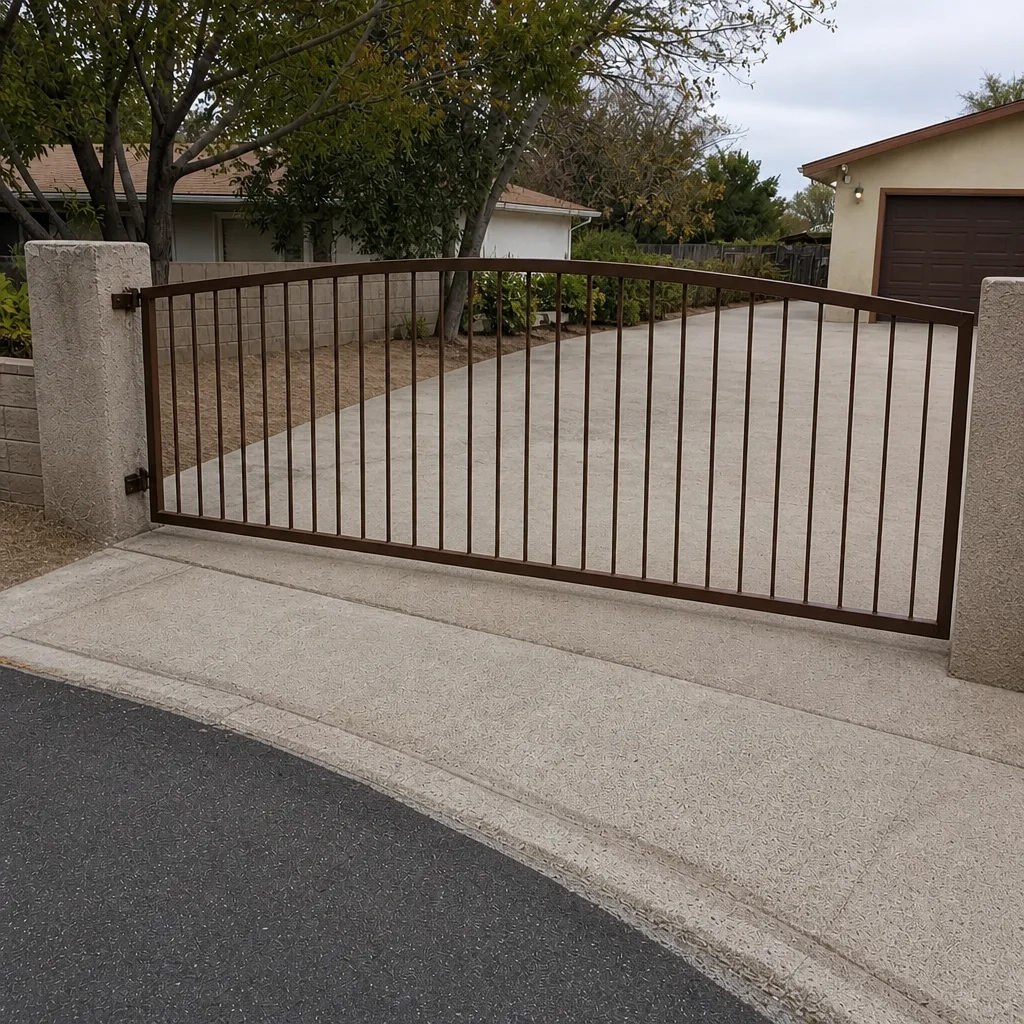 After
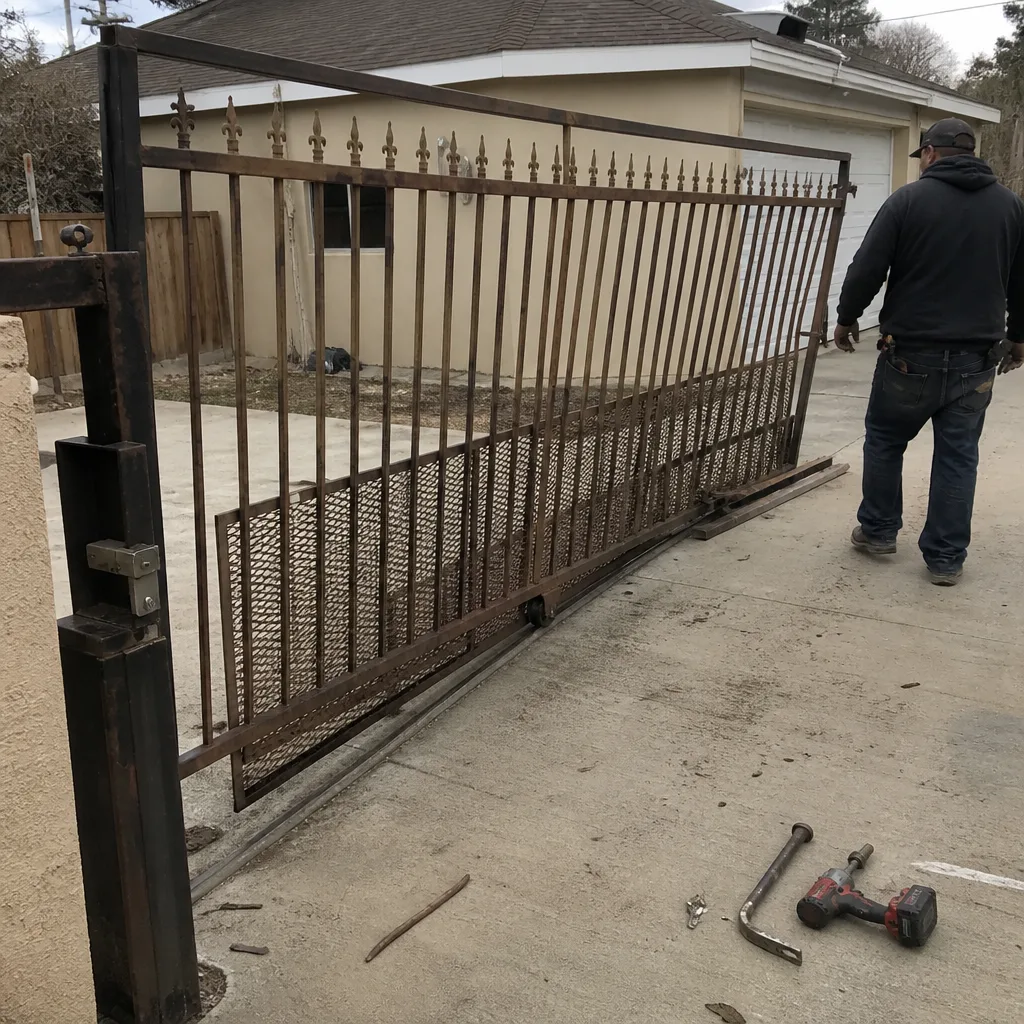 Before
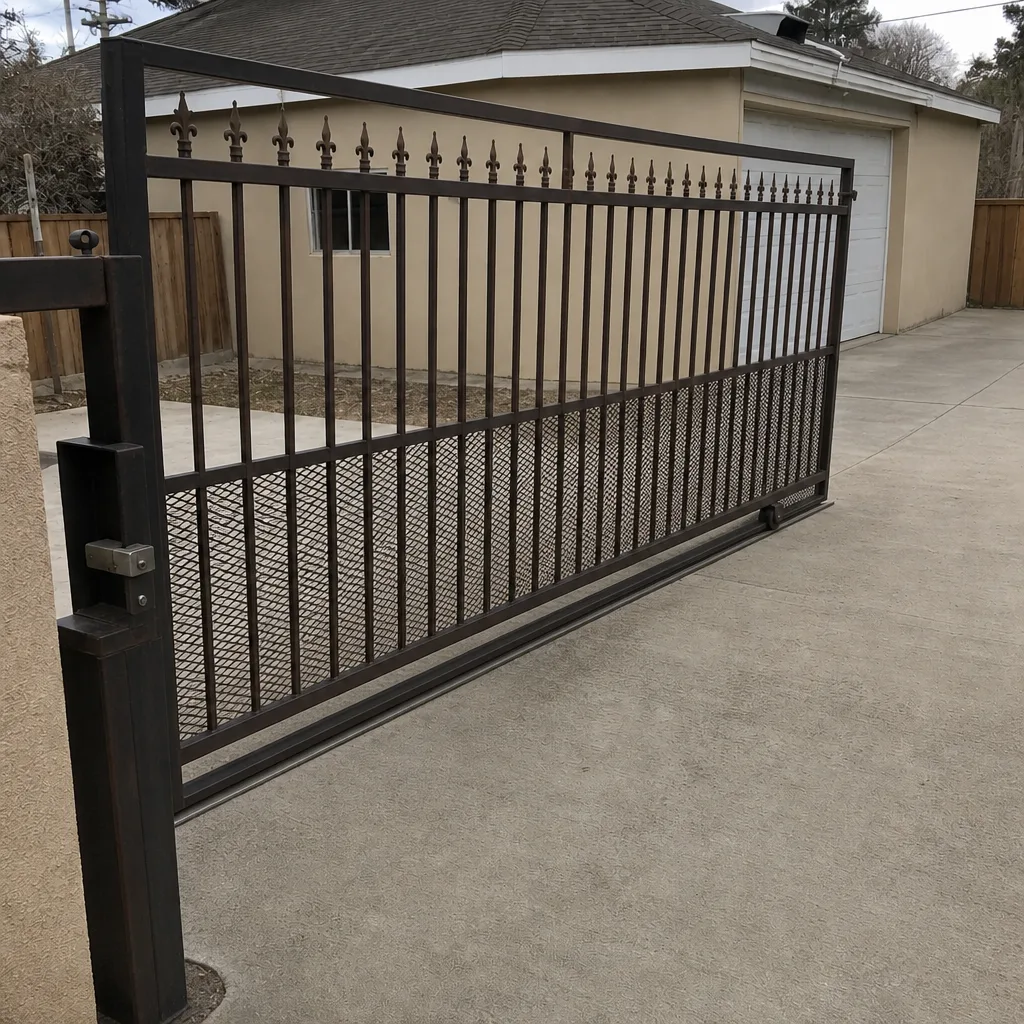 After
When to Call a Professional
Some of this you can sort out yourself – testing signal, reading HOA rules, listing who needs a code. But the moment the work touches the gate operator’s electrical side, the emergency override wiring, or anything involving high-voltage power at the gate, that’s a job for a trained professional. Gate operators carry serious mechanical and electrical force, and an override wired wrong is a safety problem, not just an access problem. If your HOA requires a specific emergency switch, if your gate sits far from the house, or if you’re planning a new entrance and want the conduit done once, have someone who does this daily look at it. Gatewood Fence & Gate Paradise offers free estimates in Paradise – call (888) 292-7536.
Frequently Asked Questions
For a quiet single-family property, a durable keypad plus clickers is the most reliable choice in Paradise’s heat. For a short-term rental or a busy household, a cellular controller with temporary guest codes makes more sense – but only after you’ve confirmed signal at the gate. The best system is the one that fits your household and your HOA rules, not the fanciest box on the shelf.
Many Paradise HOAs and gated communities do, often a key-switch or Knox-style override so emergency crews can enter without a phone. Confirm the exact requirement in writing before you buy any equipment. An app-only system that can’t accommodate the override may fail your community’s inspection.
Probably not reliably. Wi-Fi struggles through stucco, block walls, and metal gate frames, and many gates in Paradise sit too far from the house for a solid connection. Test signal at the gate itself, and lean toward a cellular unit or a wired keypad if the Wi-Fi is weak there.
Budget for cloud subscription fees, a cellular data plan if you go that route, and battery replacements for clickers, keypads, and backup batteries. In Paradise’s heat, backup batteries often need replacing every two to four years. Add those up over five years and the true cost becomes clear before you commit.
It can, if you choose a unit with local control that doesn’t depend on the vendor’s cloud. Before buying, ask whether the gate can still open with a keypad or a key if the company disappears. If the answer is no, look at a system with a local fallback.
Run conduit and low-voltage control wiring from the house to the gate, pull a couple of spare pairs, leave a pull string for later, and plan for a wired override and manual release. Doing this once means a future controller swap is a simple job instead of a driveway project.
The Bottom Line
Access control for a Paradise gate is really three decisions: who gets in, how the system talks to the world, and what your HOA and the county require for emergency access. Get those right and the equipment is easy. Assume your Wi-Fi won’t reach the gate, test cellular signal at the actual location, and confirm the override requirement in writing before you spend a dime. Then spec the conduit and wiring once so the next upgrade is a swap, not a project. Keep a manual release. And when in doubt, have a local who does this daily look it over before you commit.
Ready to plan your entrance properly? Call Gatewood Fence & Gate at (888) 292-7536 for a free estimate in Paradise. We’ll check your gate, your signal, and your HOA requirements before anyone touches a tool.
Written by the team at Gatewood Fence & Gate Paradise.